
This website contains affiliate links. Some products are gifted by the brand. As an Amazon Associate, I earn from qualifying purchases. The content on this website was created with the help of AI.
While I share money-making strategies, nothing is "typical", and outcomes are based on each individual. There are no guarantees.
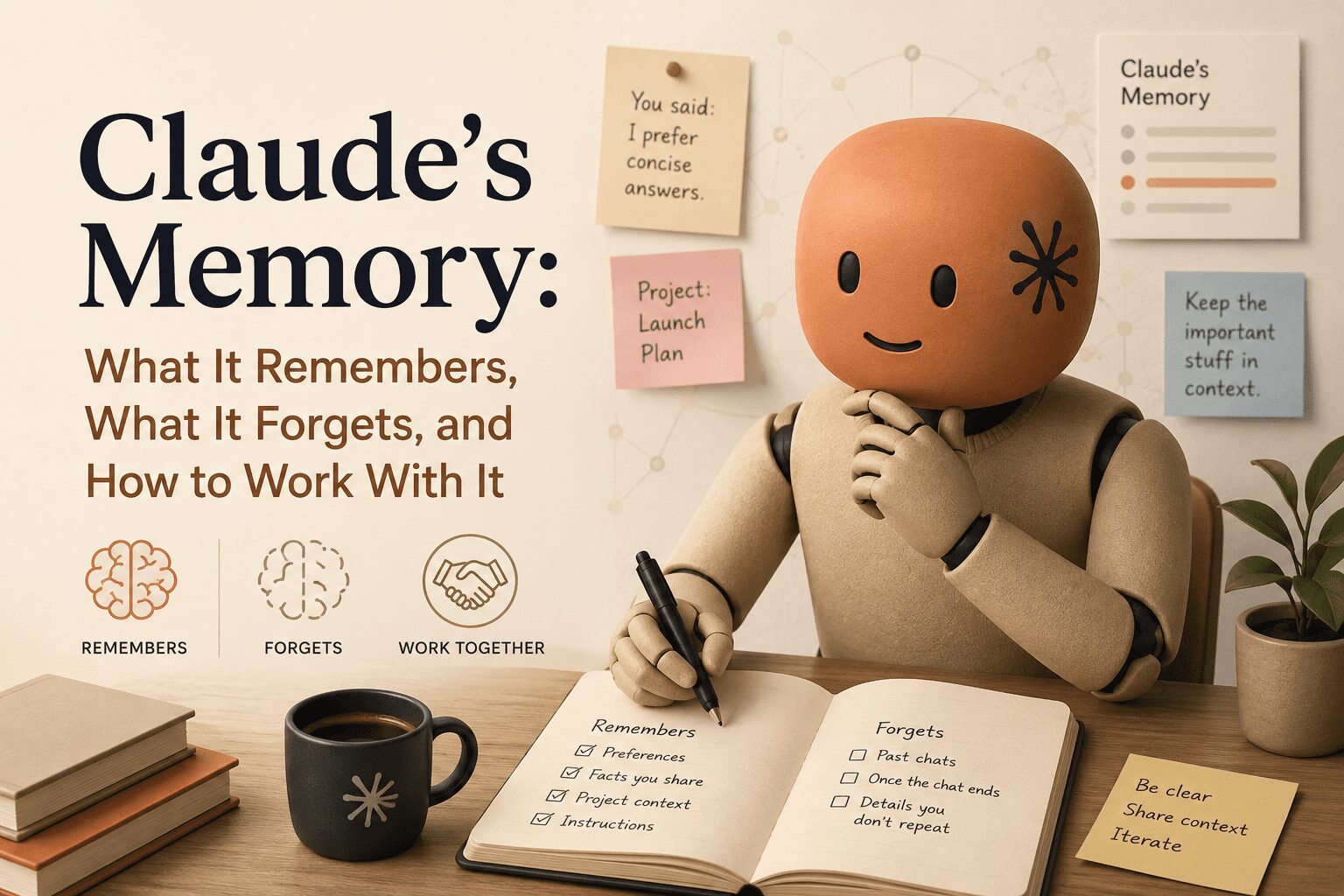
One of the most common misconceptions about Claude is that it has a persistent memory — that it “learns” who you are over time and carries that forward into every conversation you have.
It doesn’t. Not by default.

Each new conversation in Claude starts fresh. Claude doesn’t remember what you talked about yesterday, last week, or six months ago unless you tell it, unless you’ve stored context somewhere it can access, or unless memory features are specifically set up and enabled.
Understanding this is one of the most important mindset shifts for getting consistent, high-quality results from Claude. Once you understand how Claude’s memory actually works — what it retains, what it loses, and how to bridge the gaps — you stop being frustrated by generic outputs and start designing around the reality of how the system functions.
What Claude Does Remember: In-Conversation Context
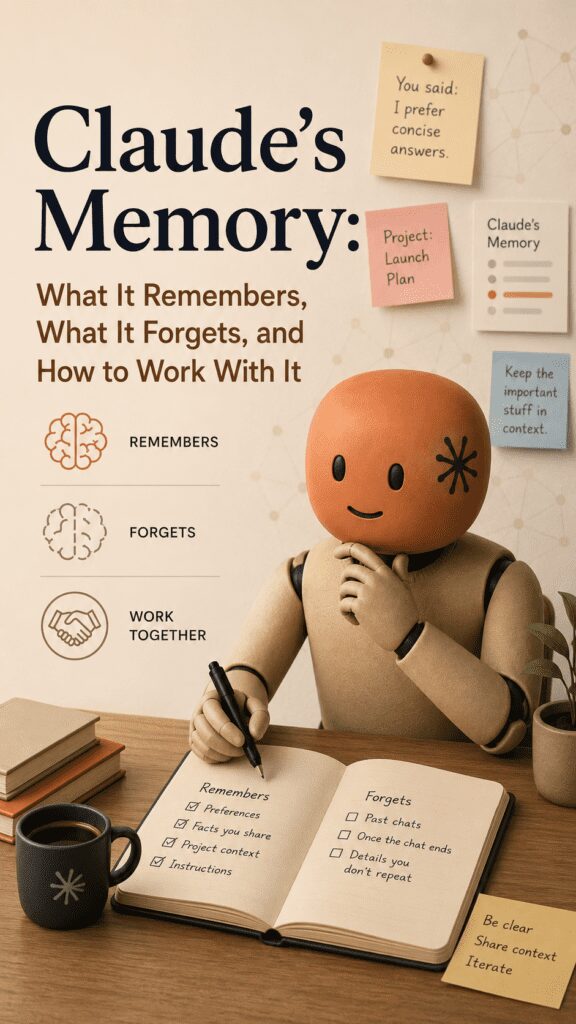
Within a single conversation, Claude has excellent memory. It can reference everything that’s been said from the first message to the most recent one. It remembers the task you described, the context you provided, the edits you requested, and the direction the conversation has taken. You can say “go back to the version from three messages ago” and Claude knows what you mean. You can say “remember when I told you my audience was over 40?” and Claude can pull that forward.
This in-conversation memory is what makes iterative workflows so powerful. You don’t have to repeat yourself within a chat. You build context at the start, Claude carries it through, and each exchange builds on what came before.
The technical term for this is the “context window” — the amount of text Claude can hold in active memory during a single conversation. Claude’s context window is quite large, meaning it can hold a significant amount of conversation before earlier parts start to fall outside what it’s actively referencing. For most practical content tasks, you won’t hit this limit within a single session.
What Claude Does NOT Remember: Between Conversations
When you close a conversation and start a new one, Claude’s memory of the previous conversation does not carry over. The new chat starts completely fresh. Claude doesn’t know your name unless you tell it. It doesn’t remember your audience, your voice, your preferences, your brand guidelines, or the context you provided yesterday.
This is where people run into problems. They have a great session with Claude, get exactly the right tone and output, close the tab — and the next day they open a new chat and Claude is back to generic default mode. They assume something broke. Nothing broke. This is how it’s designed.
The solution isn’t to wish Claude had better memory. The solution is to understand the design and build workflows around it.
Claude’s Memory Features: What Actually Persists
Anthropic has been building memory features into Claude that allow some information to persist across conversations. These features work differently depending on how you’re using Claude.
Claude Projects (Pro plan). This is the most reliable and controllable form of persistent context. When you create a Project in claude.ai, you can add instructions, background information, and uploaded documents that Claude will reference in every conversation within that Project. Your brand voice, audience description, content guidelines, style rules — all of it lives in the Project and loads automatically every time you start a new conversation there. You update it manually when things change, which means you stay in control of what Claude knows.
Claude Memory (claude.ai feature). Claude also has a memory feature that can automatically extract and store key information from your conversations — facts about you, your preferences, your business — and reference them in future conversations. You can view what’s been stored, edit it, and delete anything you don’t want retained. This feature is opt-in and gives Claude a more dynamic “remember me” capability, though it’s less controllable than Project instructions.
Uploaded documents and files. Within a conversation or a Project, you can upload documents — brand guides, content examples, research, transcripts — and Claude will reference them throughout. This is a manual but powerful form of context persistence. Your brand guide as a PDF lives in your Project and informs every piece of content Claude helps you create.
How This Affects Your Workflow in Practice
Understanding Claude’s memory model changes how you structure your work. Here’s what the implications look like in real terms.

If you’re doing a one-off task — write a single blog post, summarize a document, brainstorm ideas — you front-load the context you need at the start of the conversation. Give Claude your brand info, your audience, your voice guidelines. Then do the work. Close the chat. That context served its purpose for that session and doesn’t need to live anywhere permanent.
If you’re doing recurring work — writing blog content every week, drafting email sequences, building out a course curriculum — set up a Project. Store your core context there so you stop re-entering it. Your Project becomes your standing brief that Claude always has in hand before you start.
If you’re building an automated workflow using the API — Make.com, Zapier, a custom app — you include the necessary context in every API call you send. Automated workflows don’t have the benefit of a Project or chat history, so the system prompt you attach to each API call is the mechanism that provides consistent context every time the automation runs.
The “Starts Fresh” Advantage
Here’s a perspective shift that might help: Claude starting fresh each conversation isn’t only a limitation. It’s also an advantage in some situations.
Because Claude doesn’t carry baggage from previous conversations, it doesn’t get stuck in patterns from past interactions. If you had a conversation where Claude learned a bad habit — a tone that crept in that you didn’t want, an approach you rejected — starting a new conversation resets that. You get a fresh start.
It also means Claude doesn’t make assumptions based on incomplete history. If your business has shifted significantly, you don’t have to “undo” what Claude learned before. You just describe where you are now.
The starts-fresh model rewards good context habits. The people who get consistently great results from Claude are the ones who’ve built their context blocks, their Project instructions, and their prompt templates — so that “starting fresh” doesn’t mean “starting from zero.” It means Claude gets a complete, current brief every single time.
Building Your Context System
Given everything above, here’s how I’d recommend setting up your Claude memory and context system as a solopreneur content creator.
First, write a master context document. This is a 300-500 word description of who you are, who your audience is, what your voice sounds like, what your content pillars are, and any specific rules you want Claude to follow. This is your brand brief for Claude. Keep it in a Google Doc or Notion page where you can update it easily.
Second, create a Claude Project for each major content channel or workflow. Paste your master context document into the Project instructions. Add any channel-specific guidelines on top of it. For your blog, note SEO rules and post structure preferences. For your email list, note your email tone and list characteristics. For your Academy, note the curriculum level and member experience you’re building toward.
Third, enable Claude’s memory feature if you want dynamic cross-conversation retention. Review what it stores periodically and clean up anything that’s outdated or that you don’t want retained.
Fourth, save your best prompt templates externally — in a Google Doc, Notion, or wherever you manage your workflows. These prompts, combined with your Project context, give you a reliable, repeatable system for producing consistent output.
The Bottom Line
Claude doesn’t remember you between conversations by default. That’s not a bug — it’s a design you can work with once you understand it. Projects give you persistent context. The memory feature adds dynamic retention. And good prompt habits fill the gaps.
The creators who get the most out of Claude are the ones who stop hoping Claude will remember them and start building systems that make sure it always has what it needs. That’s a one-time investment in setup that pays off every single day you use it.
In the next lesson, we’re getting into system prompts — one of the most powerful tools for encoding your context and voice into Claude’s responses at a deep level.
Don’t fight the memory model. Work with it. Build the system once and let it run.