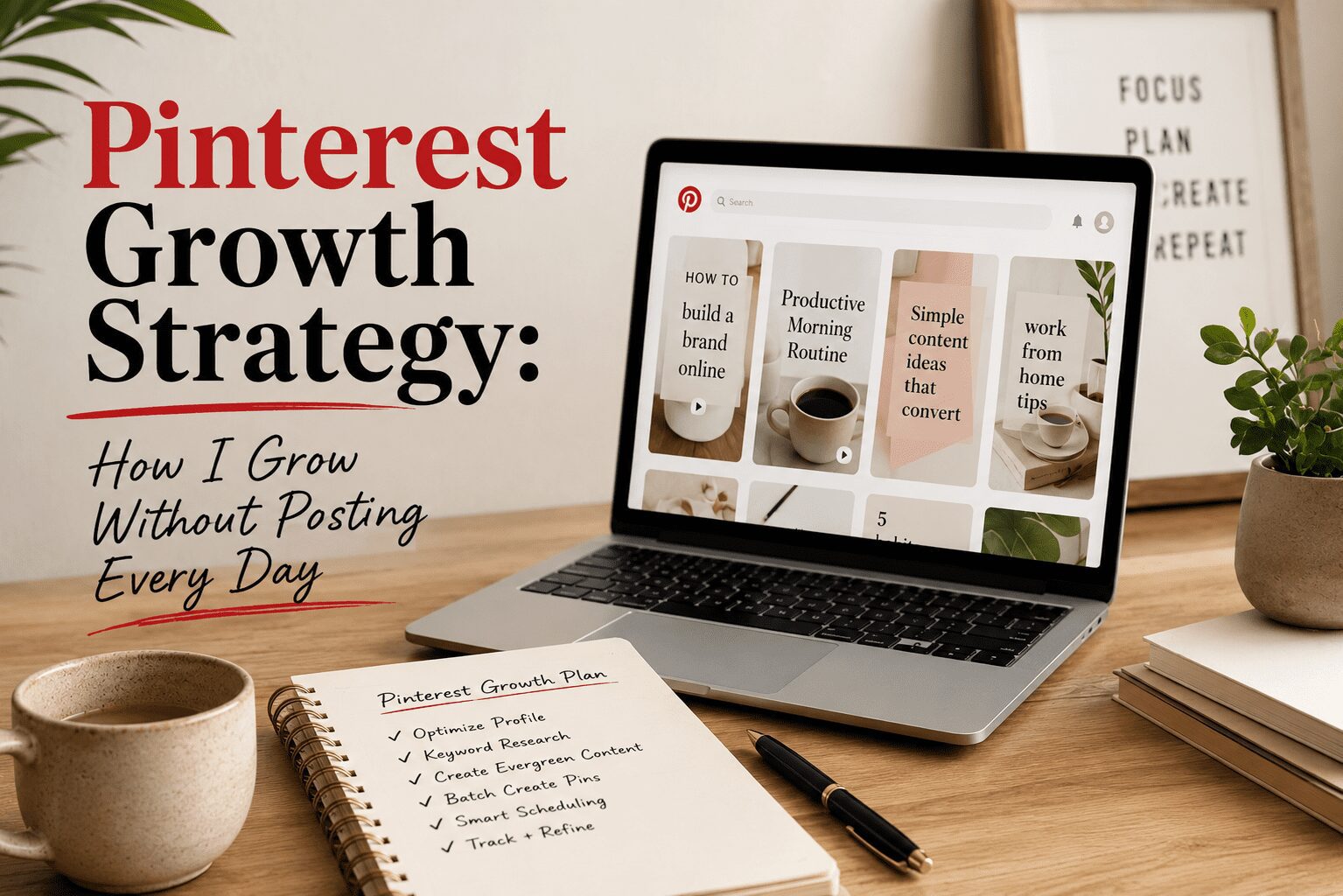
Pinterest SEO is the practice of optimizing your pins, boards, and profile so that Pinterest’s search algorithm shows your content to people who are actively looking for it. It works on the same principles as Google SEO — keywords, relevance, engagement signals — but the execution is different because Pinterest is a visual platform and the content format is fundamentally different from a blog post or webpage.
Understanding Pinterest SEO is the single highest-leverage skill you can develop if you want Pinterest to send consistent traffic over time. Without it, you are creating content and hoping the algorithm finds someone to show it to. With it, you are creating content that is specifically designed to appear in front of people who already want what you are offering.
How Pinterest Search Actually Works
Pinterest uses a combination of keyword signals and engagement signals to decide which pins to surface for any given search query. The keyword signals come from the text in your pin title, your pin description, your board name, your board description, and your profile. The engagement signals come from how many people click, save, and interact with your pin after Pinterest shows it to them.
Pinterest is unique in that both signals matter and they feed each other. A pin with strong keyword signals gets shown to relevant searchers. When those searchers engage with the pin, Pinterest reads that engagement as confirmation that the pin is a good match for that keyword and shows it to more people. This creates a flywheel that rewards early optimization: if you get the keywords right from the start, the engagement follows, which drives more distribution, which drives more engagement.
The reverse is also true. A pin with weak keyword signals gets shown to irrelevant audiences, generates poor engagement, and gets buried. Starting with correct keyword optimization is not optional if you want the algorithm to work in your favor.
Pinterest Keyword Research: The Starting Point
Pinterest keyword research means finding the specific phrases people type into Pinterest’s search bar when they are looking for content in your niche. The goal is to identify which keywords have meaningful search volume, which variations perform better than others, and which secondary terms you can weave into your content to capture a broader set of related searches.
The tool I use for this is Pinclicks. It pulls actual Pinterest search volume data and lets you see which keywords in any niche have real traffic behind them. The difference between a keyword with 1,000 monthly searches and one with 50 is the difference between a pin that generates consistent clicks and one that occasionally gets shown to someone who happened to use that phrase.
Pinterest’s own search bar also gives you useful data. Type a keyword into the search bar and watch the autocomplete suggestions. Each suggestion is a phrase that real Pinterest users are typing. The guided search bubbles that appear at the top of results also show you which subtopics Pinterest associates with your main keyword. Both of these are free research tools you can use before you create a single pin. The limitation is that they show you what people search but not how many people search it. Pinclicks provides that volume data.
Optimizing Your Pinterest Profile
Your profile is the foundation that Pinterest reads to understand what your entire account is about. A well-optimized profile tells Pinterest who you are, what topics you cover, and who your content is for. Pinterest uses this context when deciding who to show your pins to.
Your display name should include your primary keyword, not just your personal name. If your account focuses on home organization and productivity, your display name might be “[Your Name] | Home Organization + Productivity Tips.” Pinterest reads the text in your display name as part of your profile’s keyword signal.
Your bio should describe what your content is about using the natural language of your target keywords. Write it the way a person would describe your content in a search query. “Practical home organization ideas for small spaces and busy families” is a keyword-optimized bio. “Welcome to my Pinterest! I love sharing tips!” is not. Use all 160 characters. Every word is keyword signal real estate.
Your profile should be a business account so you have access to analytics. Analytics are how you know which pins are ranking and which keywords are driving impressions. Without them, you are optimizing blind and have no way to know what is actually working.
Optimizing Your Pinterest Boards
Each board on your Pinterest account sends a keyword signal to Pinterest about the content you save to it. A board named “Home Office” gives Pinterest a general signal. A board named “Home Office Ideas for Small Spaces” gives a much more specific signal that helps Pinterest match your board’s content with searchers who use that phrase.
Board names should be searchable phrases that people would actually type into Pinterest. Use Pinclicks to confirm there is actual search volume behind the phrase you choose rather than inventing a clever name that nobody is searching for. Board names are difficult to change after you have pinned hundreds of items to them, so getting the keyword right at creation time saves significant cleanup work later.
Board descriptions matter more than most creators realize. Pinterest reads the description text to understand what the board contains. Write two to three sentences that describe the board’s topic using natural keyword language. Include the primary keyword phrase, secondary related terms, and a description of the specific content type the board features.
Keep your boards focused. A board that contains ten different topics sends a muddled signal. A board that is strictly about one specific topic sends a clean signal that Pinterest can confidently use to match your content with the right searchers.
Optimizing Your Pin Titles and Descriptions
The pin title is one of the highest-weight keyword signals in Pinterest’s algorithm. Your primary keyword should appear in the pin title, ideally in the first few words. Write pin titles the way a person would search, not the way an advertising headline is written. “Home Office Desk Ideas for Small Spaces” is a search-phrased title. “Transform Your Space with These Amazing Desk Hacks!” is an ad headline. The first one ranks. The second one does not.
Pin descriptions give you more space to build out keyword context. A well-written pin description includes the primary keyword in the first sentence, two or three related secondary keywords woven in naturally throughout, and a clear description of what the pin links to and why the reader should click. Two to four sentences of specific, relevant, keyword-natural language is the target. Use Pinclicks to find secondary and related keywords to include naturally in your descriptions.
The Image’s Role in Pinterest SEO
Pinterest uses visual analysis on pin images to understand content context. An image that visually represents your keyword topic reinforces your text-based keyword signals. A generic stock photo that could represent a dozen different topics sends a weak visual signal that undermines your text optimization.
I use Ideogram to create original images that are visually specific to the topic I am targeting. Because Ideogram generates images from text prompts, I can describe exactly what I want the image to show and get an image that matches my keyword context precisely. The result is a pin where every element — title, description, board assignment, and image — reinforces the same keyword signal.
Consistency: The Compounding Factor
Pinterest’s algorithm favors active accounts that consistently publish fresh content. Creating multiple pin designs for the same blog post or product and publishing them over time is a standard Pinterest SEO strategy because each new pin image is treated as fresh content, giving you multiple indexing opportunities for the same destination URL.
Consistent posting signals to Pinterest that your account is actively maintained. I use Tailwind to schedule pins in advance so the posting is consistent even when I am not actively working on Pinterest. Tailwind’s SmartSchedule feature distributes pins at the times when my audience is most active, which improves engagement rates on each pin and feeds back positively into the algorithm’s distribution decisions.
How Long Pinterest SEO Takes to Work
Pinterest SEO is not immediate. New pins typically take a few weeks to start appearing in search results as Pinterest indexes and evaluates them. Pins that gain early engagement get accelerated distribution. Creators who are consistent for three to six months start to see meaningful organic traffic from Pinterest search. At the twelve-month mark, a well-optimized account with consistent content often has dozens of pins ranking in search, generating traffic every day from pins posted months earlier.
The work is front-loaded. Get the keyword research right from Pinclicks, optimize every pin correctly, build your boards with clean keyword signals, and post on a consistent schedule through Tailwind. Once that foundation is in place, the system compounds on its own without requiring your active attention every day.

Hey there! Just a quick heads-up: some of the links on this site are affiliate links, meaning I may earn a small commission if you make a purchase (including through the Amazon Associates program), at no extra cost to you. Occasionally, products featured here are gifted by brands.
I also use AI tools to help research and create content for you! While I love sharing strategies to help you succeed, please remember that everyone's journey is unique—individual results vary, and there are no guarantees. Thanks so much for stopping by!