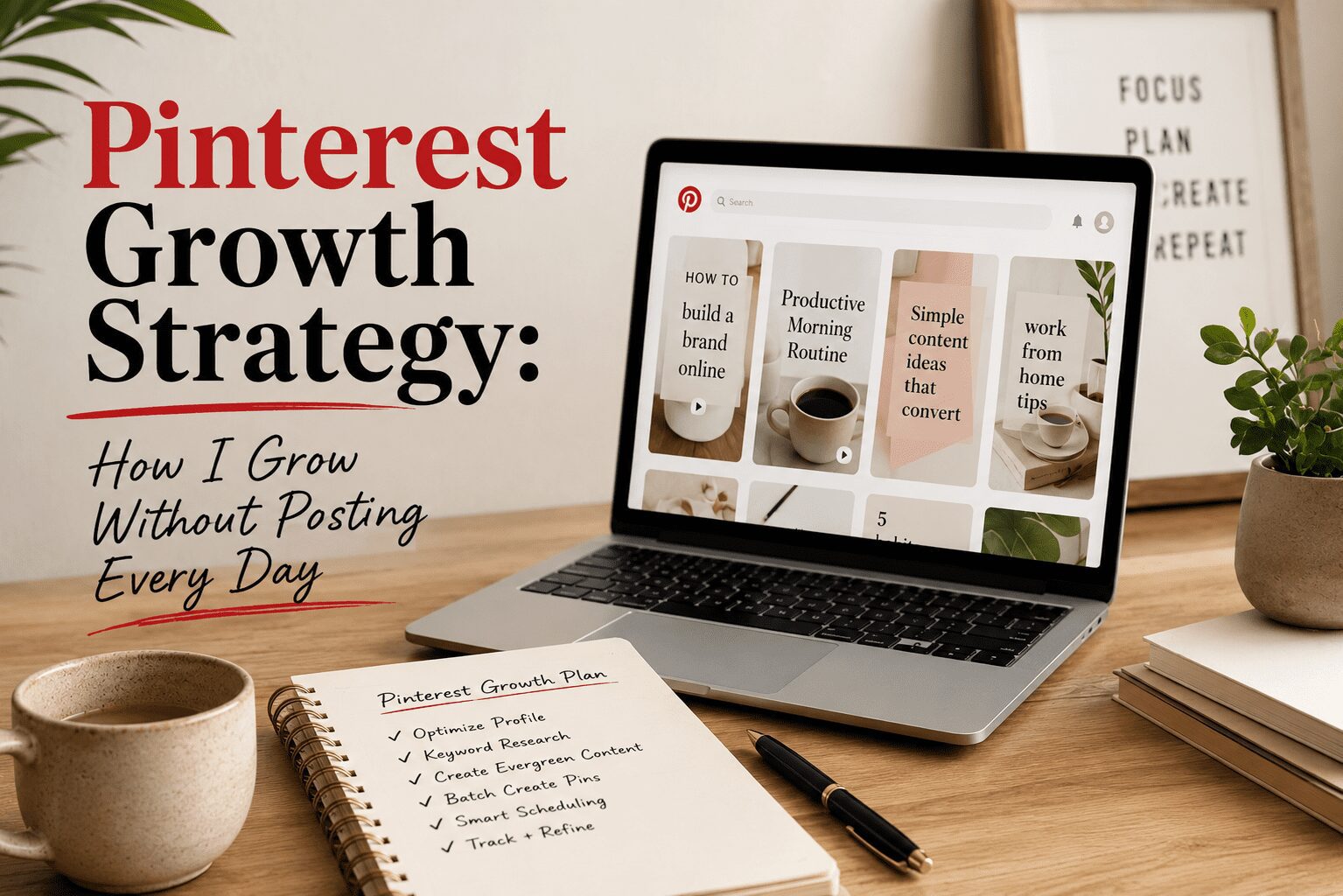
Growing on Pinterest without posting every day is not a workaround. It is the actual strategy. The accounts that burn out on Pinterest are the ones treating it like a social platform that demands daily presence. The accounts that sustain growth for years are the ones who built a system and let it run. This post covers exactly what that system looks like and why it works.
The Core Principle: Consistency Without Presence
Pinterest’s algorithm rewards consistent publishing, not live presence. Whether a pin was posted manually at 9am by a creator sitting at their computer or automatically published by a scheduling tool at the same time makes no difference to the algorithm. What the algorithm reads is that your account published content at a consistent time on a predictable schedule. That signal of account reliability and activity is what earns broader distribution.
This means the daily effort of manually logging in, creating or selecting a pin, and posting it can be entirely replaced by a weekly batch session that produces the same publishing pattern. The algorithm cannot tell the difference. Your traffic does not know the difference. The only person who notices is you, and what you notice is that you have significantly more time back.
The Batch Session Workflow
My Pinterest presence runs on one or two batch sessions per week. Each session follows the same sequence, and after enough repetitions, the sequence becomes efficient enough that I can produce ten to fifteen finished, optimized, scheduled pins in two to three hours.
The session starts in Pinclicks. Before anything else, I identify the specific keywords I am targeting for the batch. I enter seed keywords in my content area, expand to variations, and build a keyword map for the pins I am planning. Fifteen minutes of research at the start of the session determines the direction of everything that follows. Each keyword gets assigned to a specific pin, with primary and secondary terms noted.
Next I move to Ideogram to generate images. For each keyword, I write a detailed prompt that describes the scene I need: the aesthetic, the color palette, the specific visual elements that represent the keyword topic. I generate three to five variations and select the best one. The keyword from Pinclicks directly informs the Ideogram prompt because the image needs to visually represent the same keyword that will appear in the pin title and description.
I then bring the selected images into Canva, where I set each canvas to 1000×1500 pixels using the Pinterest pin template preset. I add keyword-forward text overlay using my brand fonts and colors, position it where it complements the image’s focal point, and export each pin as JPG at high quality.
Finally, I load everything into Tailwind. Each pin gets its keyword-optimized title, keyword-natural description, board assignment, and affiliate disclosure where applicable. Tailwind’s SmartSchedule queues each pin at the optimal time for my audience automatically. Once loaded, I do not touch Pinterest again until the next batch session.
How Many Pins Per Session
One session producing ten to fifteen pins, at five to ten pins per day distributed by Tailwind, covers one to three days of publishing. Two sessions per week keeps the queue full with a buffer. As your workflow becomes more efficient, one well-organized session can produce twenty to thirty pins, covering a full week without a second session.
The Tailwind queue dashboard shows exactly how many days of pins you have queued at any moment. When that number drops below seven days, I schedule a batch session before it runs out. An empty queue means Pinterest stops seeing consistent activity from your account, which can suppress distribution even when you start posting again. Keeping the queue perpetually loaded is the operational priority that everything else serves.
What You Do Between Sessions
Between batch sessions, almost nothing. I occasionally check Tailwind to verify the queue is loading correctly and to review which pins from the previous batch Pinterest has started distributing. That performance data informs the next session. Pins that are getting early traction tell me which keywords Pinterest is ranking my content for and which image styles my audience responds to. I create more content in the direction that data points toward.
Monthly analytics review rather than daily monitoring is the right cadence for meaningful insight. Pinterest traffic builds gradually and daily fluctuations are too noisy to draw actionable conclusions from. Once a month I look at which pins generated the most outbound clicks, which boards are driving the most traffic, and which keywords are earning the most impressions. That monthly view shows the trend line clearly.
Creating Multiple Pins Per Destination
A significant leverage point in this system is creating multiple pin designs for each blog post, affiliate link, or product page. Pinterest treats each unique image as fresh content even when the destination URL is identical. Three pin designs targeting three different keyword variations of the same topic triple the search ranking opportunities from a single piece of destination content.
This multiplies the value of every batch session. Instead of creating ten pins for ten different destinations, I create ten pins for five destinations with two designs each. The same batch effort produces more search coverage because each destination is represented by multiple keyword-targeted pins rather than a single one.
Why This System Compounds
The batch-and-schedule system compounds in two directions simultaneously. The consistency it creates maintains the algorithmic signal that Pinterest distributes active accounts broadly. And the library of pins it builds over months accumulates search presence that generates traffic continuously from pins published weeks and months earlier. You are not just maintaining current traffic with each batch session. You are adding to a library that generates more traffic the larger it grows.
After six months of running this system, a creator has hundreds of keyword-optimized pins in active circulation generating traffic from searches every day. After twelve months, that library is large enough that the baseline traffic from old pins sustains a meaningful traffic floor even if you took a month off from creating new content. That is what compounding looks like in practice. It is why Pinterest is worth building even though the early months feel slow.
This post contains affiliate links. I may earn a commission if you sign up or purchase through my links, at no extra cost to you.
Hey there! Just a quick heads-up: some of the links on this site are affiliate links, meaning I may earn a small commission if you make a purchase (including through the Amazon Associates program), at no extra cost to you. Occasionally, products featured here are gifted by brands.
I also use AI tools to help research and create content for you! While I love sharing strategies to help you succeed, please remember that everyone's journey is unique—individual results vary, and there are no guarantees. Thanks so much for stopping by!