Clicky

Tuesday, June 16, 2026
No Result
View All Result
COACHING
Lori Ballen
  • About
    • Affiliate Disclosure
    • Ballen Academy
    • Contact Us
    • Privacy Policy
    • Youtube
  • Lori Ballen’s Blog
    • Affiliate Marketing Strategies
    • Blogging Strategies
    • Content Marketing
    • Pinterest
    • Side Hustles
  • Shop
    • Lori’s eBooks
    • Lori’s Tools
No Result
View All Result
Lori Ballen
No Result
View All Result
Home Make Money Online

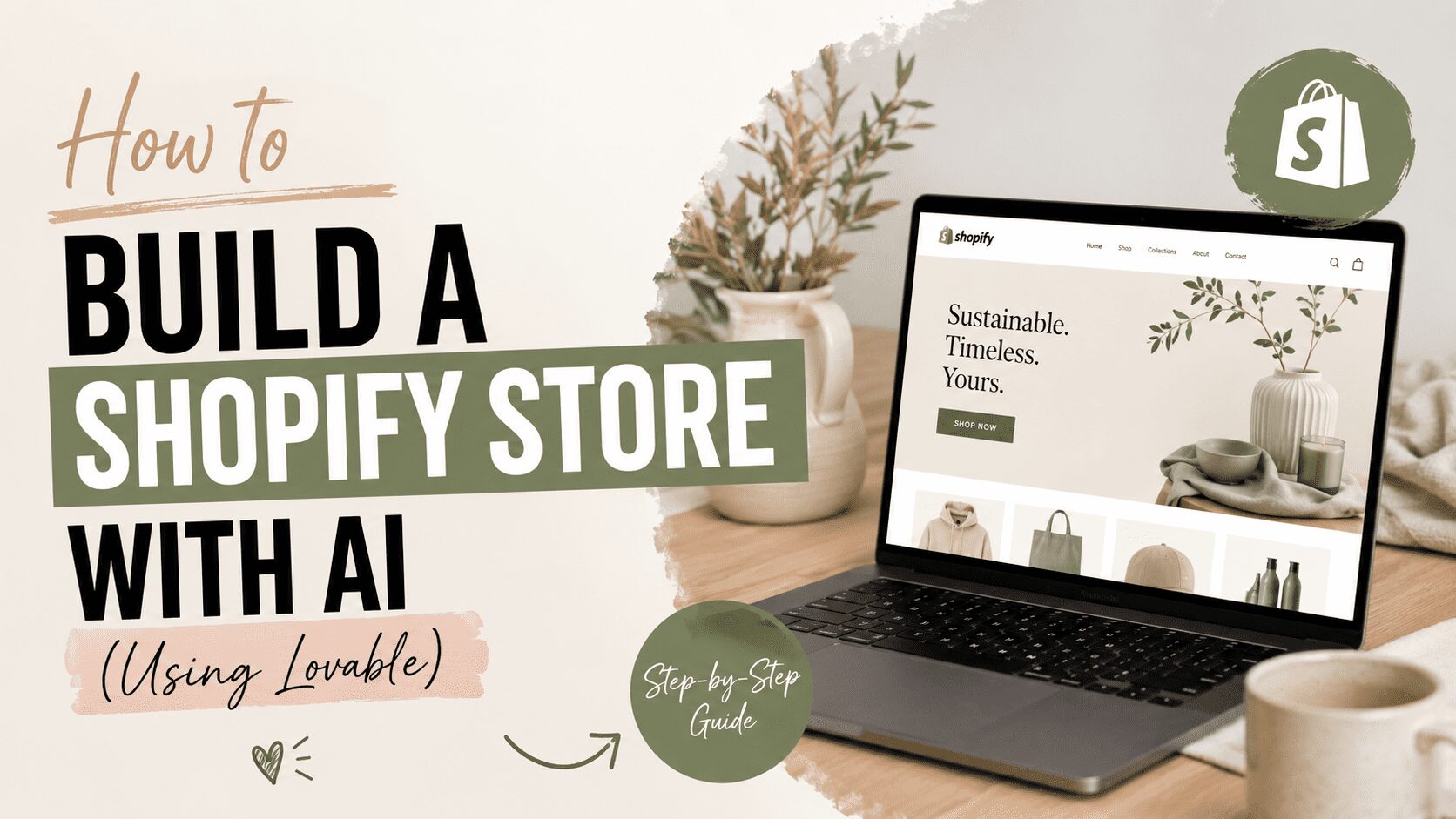
How to Build a Shopify Store With AI (Using Lovable)

How to Build a Shopify Store With AI (Using Lovable)

This website contains affiliate links. Some products are gifted by the brand. As an Amazon Associate, I earn from qualifying purchases. The content on this website was created with the help of AI.

While I share money-making strategies, nothing is "typical", and outcomes are based on each individual. There are no guarantees.

There’s a combination of tools right now that makes building an e-commerce store faster than anything I’ve seen before. It’s Lovable paired with Shopify, and if you’ve had a store idea sitting in your notes app for six months, this is the one that might actually get you to launch.

Here’s how it works and how to do it.

What Lovable and Shopify Each Do

Lovable builds what your customers see. You describe your store in plain language and it generates the front end — homepage layout, product sections, navigation, cart — without you touching a single line of code.

Shopify runs everything behind the scenes. Payments, taxes, shipping, inventory, fraud protection, order management. All of it.

When you connect the two, your Lovable-generated storefront plugs directly into Shopify‘s checkout. That means it’s not just a pretty website — it’s an actual functioning store that can take real orders from day one.

Who This Works For

This setup makes the most sense for three types of people. First-time entrepreneurs who want to get a product online without hiring a developer. Creators who want to sell merch or digital products around an existing audience. And existing Shopify store owners who want to build custom landing pages, quiz funnels, or interactive shopping experiences without waiting on a developer every time they have a new idea.

Before You Touch the Tool, Do This First

What you put into your prompt determines how good your store turns out. Before you open Lovable, write down four things: your niche, your ideal customer, what you’re selling, and how you see your brand.

Then turn those four things into one clear prompt. Something like: Create a Shopify store for a minimalist coffee brand selling beans and brewing gear to busy professionals who care about design. Calm, premium, minimalistic aesthetic. Strong subscription focus with bundles and customer reviews above the fold.

That level of specificity tells Lovable what sections to prioritize, how to frame your products, and what the overall feel should be. Vague prompts get vague stores.

How to Build It

Open Lovable and create a free account. Once you’re in, submit your prompt. Lovable will ask whether you want to create a new Shopify store or connect an existing one.

If you’re starting from scratch: Select create new store. Lovable will walk you through claiming your Shopify store and opening the admin where you can add your first product. You’ll start a Shopify free trial through this process.

If you already have a Shopify store: Choose connect existing store. Make sure the email you’re using in Lovable matches the store owner email in Shopify — that’s required for the connection to work. Add your Shopify admin link, hit connect store, and install the Lovable app.

Once connected, paste your full structured prompt into the chat box and submit. Lovable will generate your entire storefront — wired into Shopify‘s real checkout system, not a mockup.

Refining the Design

Once the base store is generated, use Lovable’s visual editor to customize it. You get floating controls directly next to the elements you’re editing, so changing headings, colors, spacing, and sections is fast. No digging through settings menus.

You can also prompt additional features after the initial build. Something like add a hero section promoting a limited-time bundle with a countdown timer and a customer review carousel underneath will generate exactly that. Review it, approve it, press update, and it goes live.

If you don’t have product photography yet, Lovable can generate AI placeholder images for your hero sections and product cards. You can swap in real photos later.

When you’re done with changes, save in the visual editor, then press publish and update.

Products and Pricing

Once your storefront is built, head into the Shopify admin to set up your actual products. Edit titles, descriptions, prices, and variants there. Shopify‘s built-in AI can write product descriptions if you need a starting point.

A simple offer stack that works: one flagship product, one lower-priced entry product, and one high-margin bundle. Make all three visible on the homepage. Then create a discount code in Shopify‘s discount section and prompt Lovable to add a banner promoting it — something like add a banner at the top mentioning free shipping on orders over $100 with the code FREESHIP.

Adding AI Shopping Features

This is where it gets interesting. You can prompt Lovable to add AI-powered shopping experiences directly to your store — a floating chatbot that asks a few questions and recommends a product, a quiz that guides buyers to the right option, or a support assistant that handles common questions.

The prompt is straightforward: Add an AI shopping assistant to the product page that asks three questions and recommends a product, then links directly into Shopify checkout. Lovable will ask clarifying questions — where on the page, what type of questions — and build it from your answers.

The rule here is to add AI where it helps someone buy faster or feel less unsure. Not just because it sounds impressive.

Before You Launch

Run a test order through your Lovable storefront before you go live. Make sure payments are activated in Shopify and that the checkout flow works end to end. Do a final pass on the homepage — remove duplicate sections, check that the right images are attached to the right products, and make sure everything looks polished on mobile.

When it’s ready, unlock your store in Shopify, complete the verification process, and publish.

The Real Point

The gap between I have an idea and I have a working store used to be weeks of setup, theme headaches, and developer costs. With Lovable connected to Shopify, it’s one focused session. The store you build on day one isn’t the finished product — it’s the starting point you can keep improving. But it’s a real store, with real checkout, ready to take real orders.

That’s the part worth paying attention to.
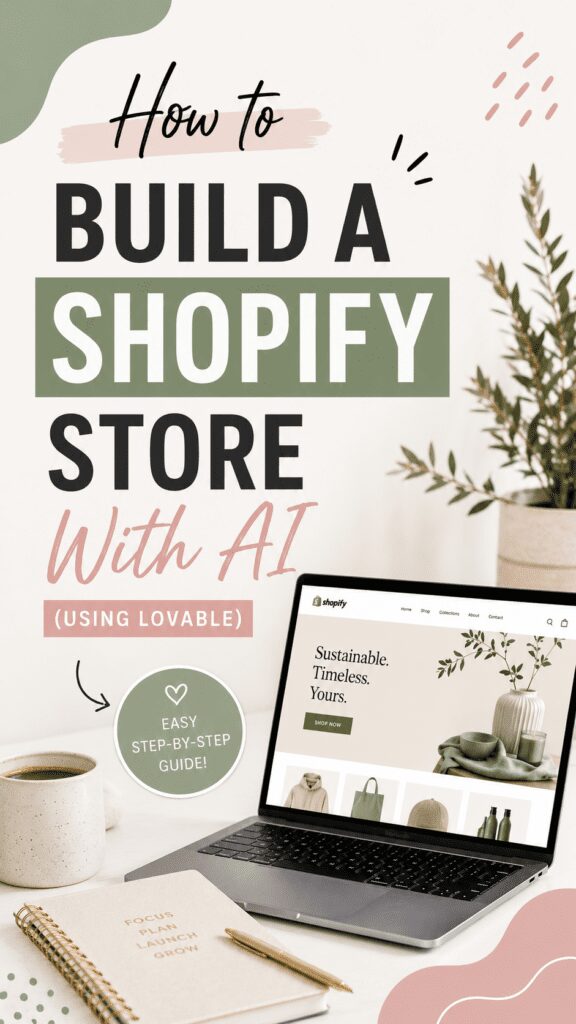
A visually appealing graphic titled 'How to Build a Shopify Store With AI (using Lovable)' featuring a laptop displaying a Shopify website, a coffee cup, and a notepad with a pen.

Share this:

  • Share on Facebook (Opens in new window) Facebook
  • Share on X (Opens in new window) X

Like this:

Like Loading…

RelatedPosts

My Work Day as a Solopreneur: What a Six-Figure Day Actually Looks Like

My First Six Figures: What Changed, What I Wish I’d Known, What I’d Do Differently

How I Make Money at 55 (And How You Can Too)

How to Make Money on Pinterest: The System That Quietly Paid Me $1,500 a Month

Best Shopify Alternatives in 2026

ShareTweet
Previous Post

My Substack Articles Framework: How I Write Content That Gets Paid Subscribers

Next Post

How to Drive Blog Traffic with Pinterest

Lori Ballen

Lori Ballen

I'm a full-time blogger. I teach entrepreneurs how to get more website traffic, generate leads, and make more money online. This website contains affiliate links that benefit me. Take a Course Get a Website Try my Tools

Related Posts

My Work Day as a Solopreneur: What a Six-Figure Day Actually Looks Like

My Work Day as a Solopreneur: What a Six-Figure Day Actually Looks Like

What a six-figure solopreneur work day actually looks like — no fixed start time, no typical schedule, how the income...

My First Six Figures: What Changed, What I Wish I’d Known, What I’d Do Differently

My First Six Figures: What Changed, What I Wish I’d Known, What I’d Do Differently

The honest account of my first six-figure year — how the income actually accumulated, what I wish I had known,...

How I Make Money at 55  (And How You Can Too)

How I Make Money at 55 (And How You Can Too)

I'm 55, I don't have a retirement, and I'm not married — but I make multiple six figures online doing...

How to Make Money on Pinterest: The System That Quietly Paid Me $1,500 a Month

How to Make Money on Pinterest: The System That Quietly Paid Me $1,500 a Month

I made $1,500 a month from Pinterest last year with one boring system. Here's exactly how it works — and...

Next Post
How to Drive Blog Traffic with Pinterest

How to Drive Blog Traffic with Pinterest

Is Amazon Influencer Dead? What Smart Affiliates Are Doing Instead

Is Amazon Influencer Dead? What Smart Affiliates Are Doing Instead

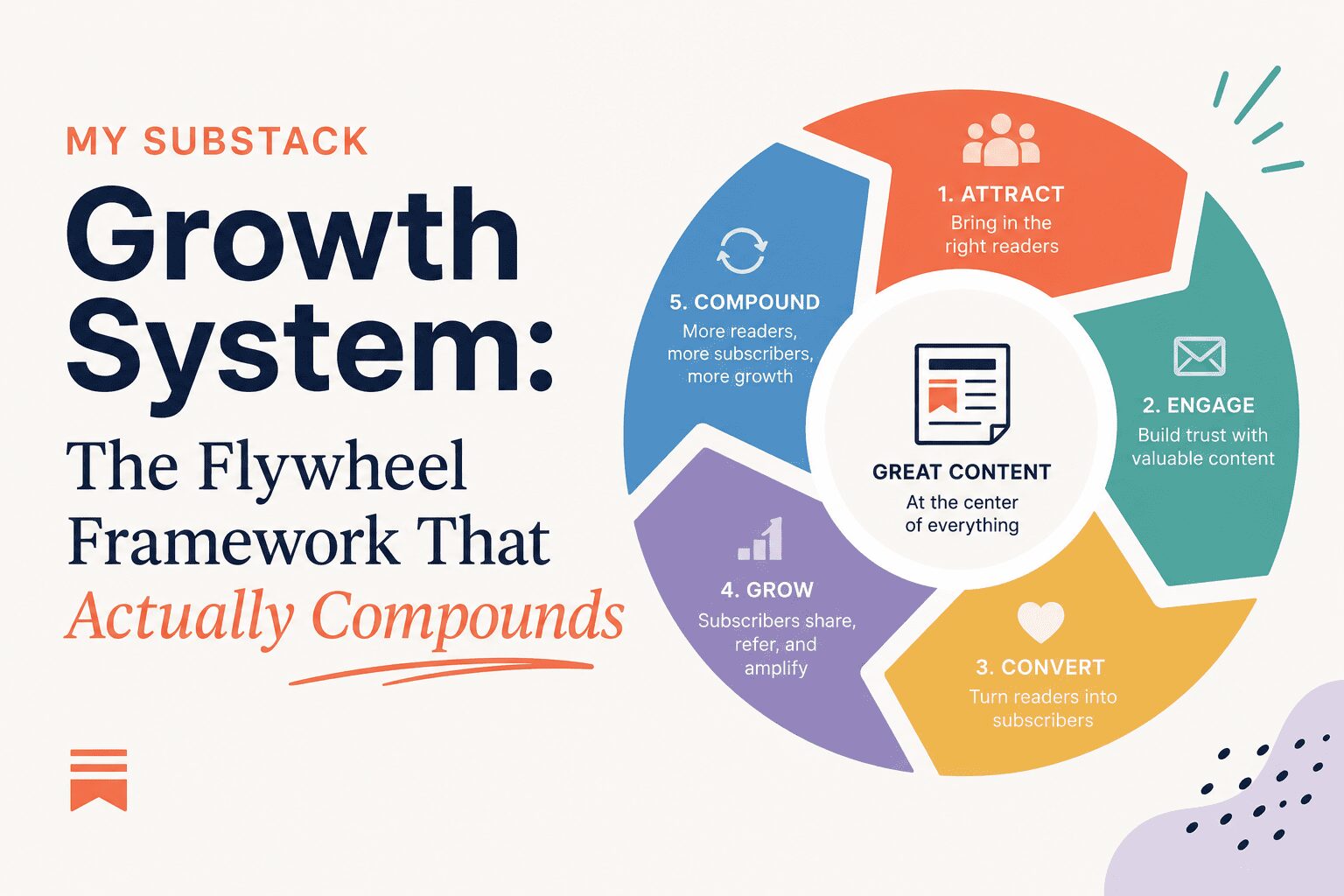
My Substack Growth System: The Flywheel Framework That Actually Compounds

My Substack Growth System: The Flywheel Framework That Actually Compounds

Leave a ReplyCancel reply

This site uses Akismet to reduce spam. Learn how your comment data is processed.

No Result
View All Result

Recommended

n this image, you can see the young man in his home office, deeply engaged in blogging. He looks directly at the camera, his expression a mix of confidence and approachability. The office is inviting, with warm lighting and stylish furnishings, creating the perfect setting for creative work. The computer screen shows various blogging tools and a partially written blog post, highlighting his active role in content creation.

38 Best Product Review Bloggers that Make Money

50 Of The Best Pinterest Board Names

50 Of The Best Pinterest Board Names

Categories

  • Affiliate Marketing Strategies (80)
  • Amazon Influencer Program (16)
  • Blogging Strategies (131)
  • Business (12)
  • Content Marketing (28)
  • Digital Products (22)
  • Make Money Online (18)
  • Marketing Tools and Resources (19)
  • Pinterest (108)
  • Real Estate (29)
  • Side Hustles (73)
  • Substack (6)
  • Youtube Channel (26)
  • About
  • Lori Ballen’s Blog
  • Shop
Get This Theme

© 2022 Lori Ballen | This website contains affiliate links that benefit the site owner

Welcome Back!

Login to your account below

Forgotten Password?

Retrieve your password

Please enter your username or email address to reset your password.

Log In

Add New Playlist

No Result
View All Result
  • About
    • Affiliate Disclosure
    • Ballen Academy
    • Contact Us
    • Privacy Policy
    • Youtube
  • Lori Ballen’s Blog
    • Affiliate Marketing Strategies
    • Blogging Strategies
    • Content Marketing
    • Pinterest
    • Side Hustles
  • Shop
    • Lori’s eBooks
    • Lori’s Tools

© 2022 Lori Ballen | This website contains affiliate links that benefit the site owner

This website uses cookies. By continuing to use this website you are giving consent to cookies being used. Visit our Privacy and Cookie Policy.
%d