Clicky

  • About
    • Affiliate Disclosure
    • Ballen Academy
    • Contact Us
    • Privacy Policy
    • Youtube
  • Loris Tools
  • Lori Ballen’s Blog
    • Affiliate Marketing Strategies
    • Blogging Strategies
    • Branding Strategies
    • Digital Products
    • Financial Freedom
    • Marketing Tools and Resources
  • Substack
Saturday, January 17, 2026
  • Login
❤️ Lori Ballen
No Result
View All Result
Ballen Blueprint Coaching
eBooks
Get a Website
  • About
    • Affiliate Disclosure
    • Ballen Academy
    • Contact Us
    • Privacy Policy
    • Youtube
  • Loris Tools
  • Lori Ballen’s Blog
    • Affiliate Marketing Strategies
    • Blogging Strategies
    • Branding Strategies
    • Digital Products
    • Financial Freedom
    • Marketing Tools and Resources
  • Substack
Ballen Blueprint Coaching
eBooks
Get a Website
No Result
View All Result
❤️ Lori Ballen
No Result
View All Result
Home Pinterest
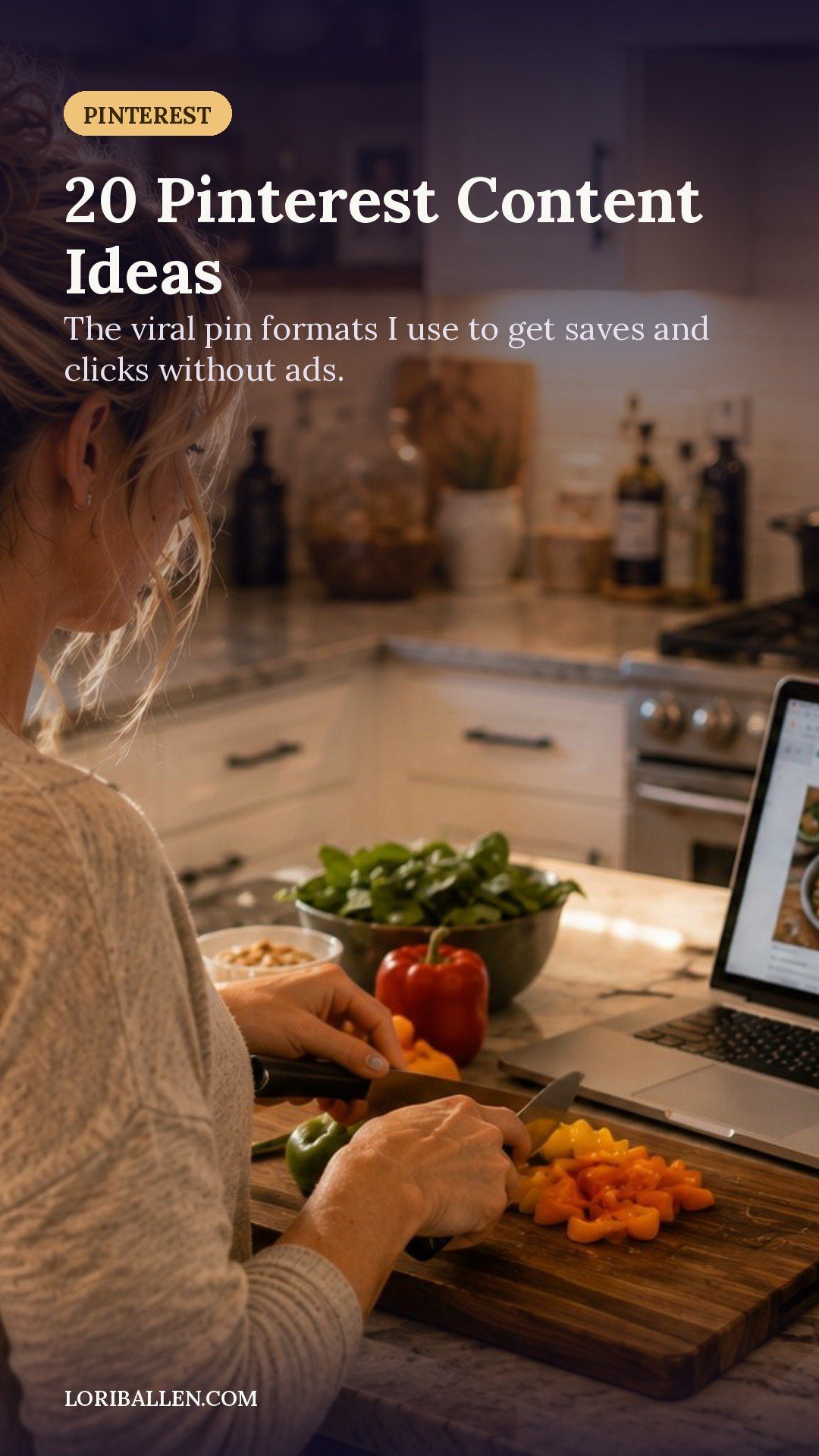
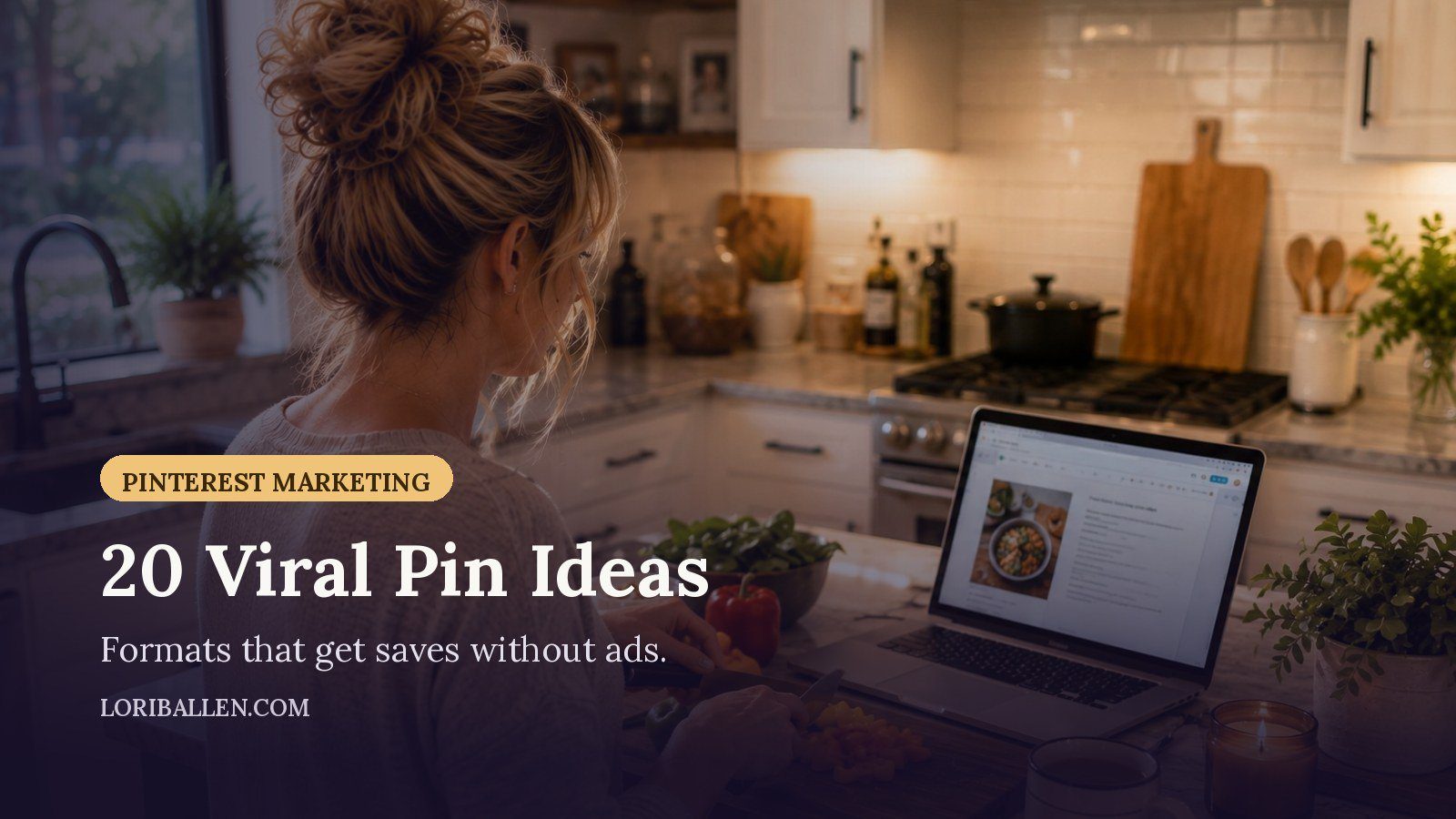
20 Pinterest Content Ideas That Go Viral Without Ads

20 Pinterest Content Ideas That Go Viral Without Ads

in Pinterest
Reading Time: 14 mins read
Share on FacebookShare on Twitter

This website contains affiliate links. Some products are gifted by the brand. As an Amazon Associate, I earn from qualifying purchases. The content on this website was created with the help of AI.

While I share money-making strategies, nothing is "typical", and outcomes are based on each individual. There are no guarantees.

Are you spending hours, perhaps even entire days, crafting gorgeous Pinterest pins only to be met with silence? We’re talking about minimal clicks, a handful of impressions, and the sinking feeling that you’re shouting into a digital void. You might see other bloggers or direct competitors celebrating massive traffic waves from Pinterest, leaving you to wonder, “What’s the secret? What am I missing?”

It can feel like everyone else received a secret Pinterest playbook while you’re stuck on a content hamster wheel, burning out with nothing to show for it. That frustration is valid. However, the dream of turning Pinterest into your number-one traffic source is not a fantasy. It isn’t about luck, and it’s certainly not about having a giant ad budget.

The problem isn’t you, your content, or your work ethic. The problem is playing by old rules. Today’s Pinterest is a powerful visual search engine with a specific algorithm. It’s no longer just about pretty pictures; it’s about understanding what people are searching for and delivering value in the exact format the platform wants to feature.

This is where you can stop guessing. Instead of throwing content at the wall to see what sticks, you can start creating pins the algorithm is actively looking to promote to millions of people. This guide shares 20 specific content formats that the Pinterest algorithm currently favors. These are proven, data-backed concepts designed to get saves, clicks, and go viral—all without spending a single cent on ads.

I use Pinclicks for keyword research and tracking, and Tailwind for bulk scheduling.

The Foundation: Why These Ideas Work

Before diving into the list, it’s crucial to understand a fundamental shift: Pinterest functions less like a social media feed and more like a visual version of Google. Users come to the platform with a purpose. They are actively planning future projects, their next big purchase, their meals for the week, and their dream vacations. A significant number of users turn to Pinterest at the very beginning of a new project.

This means your content needs to do one of three things: Inspire, Instruct, or provide a Resource. Every one of the 20 ideas below fits into one of these categories. They are engineered to be “save-worthy.” When someone saves your pin, it sends a powerful signal to the algorithm that your content is high-quality, which in turn gets it shown to more people. It’s a snowball effect, and these ideas are designed to build that snowball.

The 20 ideas are broken into four groups: Inspiration, Instruction, Resources & Toolkits, and high-engagement Short-Form Video. For each idea, you’ll find a suggested hook for your text overlay, the type of blog post it connects to, and a call-to-action for your pin description.

Inspiration

This first category is about sparking your audience’s imagination. These are the pins people save to their “Dream Life” or “Someday” boards. They are visual, aspirational, and designed to plant a seed. The key is to show a stunning “after” that makes someone stop scrolling and think, “I want that.”

Idea #1: The “Before & After” Transformation

This is a classic for a reason. Our brains are wired to love a good transformation story, providing an immediate visual punch and a dose of satisfaction.

  • Pin Hook (Text Overlay): “From Cluttered to Calm: Tiny Room Makeover on a $200 Budget”
  • Linked Blog Asset: A detailed case study post. Show the messy “before,” walk through the process, and include a full shopping list with links to every product used.
  • Pin Description CTA: “Save this budget-friendly makeover for your next weekend project!”

Idea #2: The Seasonal Roundup

Pinterest users are planners, thinking about the next season or holiday well in advance. Seasonal content has built-in relevance that the algorithm loves.

  • Pin Hook (Text Overlay): “10 Cozy Fall Outfit Ideas You’ll Live In All Season”
  • Linked Blog Asset: A classic listicle, such as “10 Fall Outfits” or “7 Easter Brunch Recipes.” Embed affiliate links for any featured products.
  • Pin Description CTA: “Save your favorite looks and be the best-dressed this fall!”

Pro Tip: Publish seasonal content 60-90 days before the season begins. Pinners plan ahead, and your content needs to be indexed and waiting for their searches.

Idea #3: The “Dream Routine” Checklist

This taps into aspirational, self-improvement goals. People enjoy seeing how organized or successful individuals structure their day.

  • Pin Hook (Text Overlay): “My 5-Step Morning Routine for a Super Productive Day”
  • Linked Blog Asset: A lifestyle post that walks through the routine, explaining the ‘why’ behind each step. Offer a printable checklist as a freebie to grow your email list.
  • Pin Description CTA: “Save this routine to try next week and grab the free printable checklist!”

Idea #4: The Mood Board Collage

This is pure visual eye-candy. A mood board allows you to curate a specific vibe that your target audience craves, capturing a feeling rather than a single project.

  • Pin Hook (Text Overlay): “Moodboard: Dark Academia Home Office Inspiration”
  • Linked Blog Asset: A gallery-style blog post. Show the mood board and then break it down with links to specific furniture, paint colors (with hex codes!), and decor items.
  • Pin Description CTA: “Saving this vibe for my future home office.”

Idea #5: The Curated Reading List

In a world of endless information, being a good curator is a superpower. Telling people which books, podcasts, or articles are worth their time is incredibly valuable.

  • Pin Hook (Text Overlay): “12 Books Every New Entrepreneur Needs to Read”
  • Linked Blog Asset: A listicle with short, punchy summaries of each book and your recommendation. Use Amazon affiliate links to monetize.
  • Pin Description CTA: “Save this for your 2026 reading list!”

Instruction

If inspiration is the “what,” instruction is the “how.” This is the practical, nitty-gritty content that directly answers a user’s question. These tutorials, templates, and step-by-step guides have a long shelf life as people save and return to them repeatedly.

Idea #6: The Step-by-Step Template

Templates are a blogger’s secret weapon. You’re not just telling someone how to do something; you’re giving them a fill-in-the-blank shortcut.

  • Pin Hook (Text Overlay): “My 5-Step Blog Post Template for Posts That Actually Convert”
  • Linked Blog Asset: A detailed tutorial that breaks down each step of the template. The goal is to have them download it, either as an email list freebie or a low-cost digital product.
  • Pin Description CTA: “Save this template to write your next viral blog post.”

Idea #7: The Quick Recipe Video

Pinterest is pushing video hard, and these quick, top-down recipe videos are ridiculously engaging and easy to watch.

  • Pin Hook (Text Overlay): List the core ingredients on screen, e.g., “Feta, Tomatoes, Pasta, Olive Oil.”
  • Linked Blog Asset: The full recipe on your blog with precise measurements, detailed instructions, substitution ideas, and storage tips.
  • Pin Description CTA: “Save this easy recipe for dinner this week!”

Idea #8: The Definitive Checklist Guide

Checklists transform a large, overwhelming process into small, satisfying steps, giving people a sense of control and a clear path forward.

  • Pin Hook (Text Overlay): “Starting a Capsule Wardrobe? Here’s the Ultimate Checklist.”
  • Linked Blog Asset: A comprehensive guide explaining the ‘why’ behind each item. Offer a beautifully designed, printable version as an email opt-in.
  • Pin Description CTA: “Save this guide to finally build your dream wardrobe!”

Idea #9: The DIY Project Tutorial

DIY and Crafts is one of the largest categories on Pinterest. Users specifically look for projects they can tackle themselves.

  • Pin Hook (Text Overlay): “My Secret to the Perfect Gallery Wall Arrangement”
  • Linked Blog Asset: A full tutorial with exact measurements, a tool list, and step-by-step photos or video. You could even offer free printable art.
  • Pin Description CTA: “Save this before you hang a single picture!”

Idea #10: The “Mini-Guide” or “Cheat Sheet”

This format distills a large, complex topic into the absolute must-know points. It’s a quick-reference guide people will save and review often.

  • Pin Hook (Text Overlay): “A Simple SEO Checklist for New Bloggers”
  • Linked Blog Asset: A blog post that unpacks each point on the cheat sheet, linking to more in-depth resources like a webinar or ebook.
  • Pin Description CTA: “Save this SEO cheat sheet to optimize your next post in 5 minutes.”

Resources & Toolkits

This category is about creating content that feels incredibly valuable. These are the pins that make a user feel like they’ve struck gold. They are so obviously useful that saving them is a no-brainer, making them excellent for growing your email list and driving sales.

Idea #11: The Ultimate Gift Guide

Gift guides are a monetization machine, especially around holidays. You’re solving the huge problem of what to buy.

  • Pin Hook (Text Overlay): “The Ultimate Holiday Gift Guide for The Woman Who Has Everything”
  • Linked Blog Asset: A beautiful, image-heavy listicle. Group items by price or personality and use affiliate links for every product.
  • Pin Description CTA: “Save this list and make your holiday shopping stress-free!”

Idea #12: The Printable Planner or Tracker

Offering a free printable is one of the most effective ways to get leads from Pinterest. It provides instant gratification and a tool users can physically use.

  • Pin Hook (Text Overlay): “Free Printable Budget Planner for Creatives”
  • Linked Blog Asset: A simple landing page with a clear opt-in form to download the planner. Showcase the planner’s design and benefits.
  • Pin Description CTA: “Save this pin and grab your free printable planner!”

Idea #13: The One-Page Content Calendar

Your audience of fellow creators is always looking for ways to make their lives easier. A content calendar provides structure and solves the panic of what to post.

  • Pin Hook (Text Overlay): “My One-Page Pinterest Content Calendar Template”
  • Linked Blog Asset: A post explaining your content strategy and how to use the calendar. The download could be a PDF or a link to a Trello or Asana template.
  • Pin Description CTA: “Save this calendar to finally get consistent with your pinning!”

Idea #14: The “Best Free Tools” Roundup

Everyone loves free stuff. A list of the best free tools for a specific task saves your audience hours of research.

  • Pin Hook (Text Overlay): “My Top 5 FREE Tools for Creating Amazing Blog Graphics”
  • Linked Blog Asset: A tutorial-style post that not only lists the tools but also gives a quick tip for using each one.
  • Pin Description CTA: “Save this list to make your design workflow so much easier!”

Idea #15: The Swipe File

A swipe file is a collection of proven, ready-to-use examples that provides a shortcut to success.

  • Pin Hook (Text Overlay): “5 Email Subject Lines That Get Insane Open Rates (Steal These!)”
  • Linked Blog Asset: A resource post that provides copy they can swipe, such as email subject lines, social media captions, or blog post headlines.
  • Pin Description CTA: “Save these subject lines for your next big launch!”

Short Video & Dynamic Pin Concepts

Video is no longer optional on Pinterest; it’s essential for fast growth. The platform prioritizes short-form video, and these dynamic formats are perfect for grabbing attention. While the old “Idea Pin” format has evolved, the multi-page, story-style concept remains incredibly effective.

Idea #16: The 90-Second Recipe Demo

This is the video version of a quick recipe. A short, fast-paced vertical video showing the key steps is almost hypnotic to watch.

  • Pin Hook (Text Overlay): “3-Ingredient Brownies in Under 2 Minutes”
  • Linked Blog Asset: The full, detailed recipe post on your blog.
  • Pin Description CTA: “Save this quick demo and get the full recipe on my blog!”

Idea #17: The 30-Second Timelapse Transformation

This is the video version of the “Before & After.” A timelapse packs a huge transformation into a short, super-engaging clip.

  • Pin Hook (Text Overlay): “Watch Us Flip This Room in 30 Seconds! (Before -> After)”
  • Linked Blog Asset: The full blog post with after photos, a source list for all products, and the story of how you did it.
  • Pin Description CTA: “Save this for the ultimate home reno inspiration!”

Idea #18: The “3 Quick Hacks” Video

This format is all about rapid-fire value. In one short video, you demonstrate three quick tips related to your niche.

  • Pin Hook (Text Overlay): “3 Ways to Style a Basic White Tee”
  • Linked Blog Asset: A blog post that expands on these hacks, perhaps with bonus tips and links to any products used.
  • Pin Description CTA: “Save these simple hacks to elevate your style!”

Idea #19: The Workflow Tutorial (Screen Recording)

Show your audience how it’s done. A screen recording of your workflow demystifies a process and provides immense value.

  • Pin Hook (Text Overlay): “How I Schedule a Month of Pins in Under 1 Hour”
  • Linked Blog Asset: A blog post detailing the workflow, listing the tools you use (with affiliate links!), and explaining the strategy.
  • Pin Description CTA: “Save this to speed up your Pinterest workflow and get your time back!”

Idea #20: The “Idea Generator” Pack

Cure your audience’s creative block by giving them a list of ideas. This can be a static graphic or a multi-page video pin revealing one idea per slide.

  • Pin Hook (Text Overlay): “30 Days of Blog Post Ideas for Food Bloggers”
  • Linked Blog Asset: A landing page where they can download the full, detailed list, usually in exchange for their email.
  • Pin Description CTA: “Save this pin and never stare at a blank page again!”

Conclusion: Putting It All Into Action

And that’s the list—20 powerful, specific, and actionable ideas designed to work with the Pinterest algorithm, not against it. We’ve covered Inspiration, Instruction, high-value Resources, and engaging Video formats.

The main takeaway is this: Success on Pinterest in 2025 and beyond is about creating for the Pinner, not just for your blog. It’s about being a solution-provider on a platform where millions are actively searching for solutions.

Here’s your action plan: Don’t try to implement all 20 ideas at once. Choose 3-5 ideas that feel right for your niche and audience. Then, for your next blog post, instead of making just one pin, create 3 to 5 different “Fresh Pins” using these concepts. Experiment with different headlines, images, and formats (like a static pin and a video pin) all pointing to the same blog post.

Test your pins. Check your analytics to see what people are saving and clicking on, and then do more of what works. A few strategic, value-packed pins a week will always outperform dozens of low-effort ones. You now have the playbook and the exact formats Pinterest is looking for. The only thing left to do is start creating.

Previous Post

My Pinterest Funnel The Click To Cash System

Next Post

How To Sell Digital Products Without A Blog

Lori Ballen

Lori Ballen

I'm a full-time blogger. I teach entrepreneurs how to get more website traffic, generate leads, and make more money online. This website contains affiliate links that benefit me. Take a Course Get a Website Try my Tools

Related Posts

25 Pinterest Hacks To Drive $5K In Affiliate Sales
Affiliate Marketing Strategies

25 Pinterest Hacks To Drive $5K In Affiliate Sales

January 5, 2026

In this guide, I’m sharing the exact 25 strategies I used to scale my affiliate commissions past that $5,000 a month mark, without creating a single product of my own. These are the tweaks that took me from feeling...

A pin on Pinterest can be deleted for a variety of reasons. Whatever the reason, here's how to delete a pin on Pinterest
Pinterest

How to Delete a Pin from Pinterest [Step by Step Tutorial]

December 21, 2025

A pin on Pinterest can be deleted for a variety of reasons. Whatever the reason, here's how to delete a pin on Pinterest

Stop guessing what Pinterest wants in 2026 and start building a system that actually drives traffic. Learn how to use fresh pins, new formats, and keyword funnels to turn your blog into a traffic magnet. Tap to get the full strategy.
Blogging Strategies

Pinterest Marketing Ideas For Bloggers In 2026

December 20, 2025

Stop guessing what Pinterest wants in 2026 and start building a system that actually drives traffic. Learn how to use fresh pins, new formats, and keyword funnels to turn your blog into a traffic magnet.

How I Get Paid to Pin on Pinterest
Pinterest

How I Get Paid to Pin on Pinterest

December 20, 2025

In this guide, I'm pulling the curtain all the way back. No gatekeeping. I’m going to give you the exact blueprint I use to get paid to pin on Pinterest—from the affiliate links that make me money while I...

Next Post
Think you need a blog to sell digital products? You don’t. Learn how creators are turning social media into storefronts and making sales fast using simple tools and smart content. Start your first sale today.

How To Sell Digital Products Without A Blog

Leave a Reply

Your email address will not be published. Required fields are marked *

This site uses Akismet to reduce spam. Learn how your comment data is processed.

About Me

Lori Ballen

Lori Ballen

Content Creator

Welcome! I'm Lori Ballen—digital entrepreneur, affiliate marketing expert, and creator of content that keeps earning long after it's published. I teach creators and bloggers how to turn videos, blogs, and automation into scalable income streams with freedom at the core. Here you’ll find tips, tools, and real talk on building a content-driven business that works for you.

Search This Website

No Result
View All Result

Join me on Substack

Categories

  • Affiliate Marketing Strategies (64)
  • Blogging Strategies (163)
  • Branding Strategies (1)
  • Business Ideas (13)
  • Canva (4)
  • Content Marketing (10)
  • Digital Marketing (5)
  • Digital Products (20)
  • Etsy (2)
  • Financial Freedom (9)
  • Make Money Online (13)
  • Make Money with Youtube (2)
  • Marketing Tools and Resources (10)
  • Mindset and Motivation (2)
  • Pinterest (84)
  • Print on Demand (3)
  • Side Hustles (37)
  • Social Media Strategies (7)
  • Things to Sell (1)
  • Travel (11)
  • Website Design (1)
  • Work From Home Strategies (2)
  • Youtube Channel (18)

Popular

  • websites like omegle

    15 Best Get Paid to Chat Apps

    1843 shares
    Share 704 Tweet 440
  • ChatGPT Prompts: The Ultimate Resource for Bloggers, Writers, and Content Creators

    2448 shares
    Share 455 Tweet 285
  • How to Delete a Pin from Pinterest [Step by Step Tutorial]

    8904 shares
    Share 402 Tweet 251
  • The Ultimate Guide to Affiliate Marketing Strategy on Instagram: A Beginner’s Blueprint

    844 shares
    Share 330 Tweet 206
  • How I Use ChatGPT to Create Affiliate Blogs

    1987 shares
    Share 302 Tweet 189
How I Build a Pinterest-Focused Affiliate Blog That Earns on Autopilot
Affiliate Marketing Strategies

How I Build a Pinterest-Focused Affiliate Blog That Earns on Autopilot

by Lori Ballen
January 14, 2026
0

I built my affiliate blog to run like a publishing machine — built on Pinterest, powered by automation, and monetized...

Read moreDetails
Why It’s Not Too Late to Build a Profitable Creator Business Over 50

Why It’s Not Too Late to Build a Profitable Creator Business Over 50

January 9, 2026
How To Start a Book Blog And Make Money (and Actually Succeed)

How To Start a Book Blog And Make Money (and Actually Succeed)

January 7, 2026
25 Pinterest Hacks To Drive $5K In Affiliate Sales

25 Pinterest Hacks To Drive $5K In Affiliate Sales

January 5, 2026
How to Build Your First $5,000 Digital Product Funnel With Pinterest

How to Build Your First $5,000 Digital Product Funnel With Pinterest

January 5, 2026

Instagram

  • Tabs fell in love with my Dyson air wrap on the cruise, so I gave it to her. I wanted to get the new one anyway so I could review all the attachments on the newer model. Time to go test her out!! I’m obsessed with how my hair looks when it’s curled with the air wrap!  I have eight cat trees sitting here waiting for me to assemble so I better get busy.
  • Future homesite? Maybe.
  • Gabe is not objecting to testing out all of the new cat furniture!! I had no idea he was a hammock cat!
  • Waiting for mom to start unboxing so he can have his five minutes of fame. #influencerlife
  •  When you go to your pantry to grab something and find somebody staring at you 😂
  • For some reason, cruise money feels like monopoly money. I’d have a hard time paying that same price on a massage at home. I suddenly on a cruise ship. I’m a Baller 😂
  • Another one of my pics made Amazon ads! The best part of this is that I still get paid commissions, even though they are running the ad. Just because I uploaded my picture to my influencer hub. ♥️
  • Years ago, I opened a spreadsheet and named two columns, Pain and joy. 

Anything in the day that drained my energy, gave me a headache, or made me cry, went in the pain column. 

Everything that made me woo-hoo, gave me energy, or made me happy went in the joy column. 

Once I listed everything that brought me pain, I began to move out of those activities and tasks. I heavily pursued everything that brought me joy.

My entire business changed, and now I only work in the joy column. And my life followed
  • There is a time for hustle. But there’s also a time for systems so that you can breathe. Anything done twice should have a system. And before you know it, you’re making money every day without the hustle or time on task. #productivity #hustle #business

Welcome Back!

Login to your account below

Forgotten Password?

Retrieve your password

Please enter your username or email address to reset your password.

Log In

Add New Playlist

No Result
View All Result
  • About
    • Affiliate Disclosure
    • Ballen Academy
    • Contact Us
    • Privacy Policy
    • Youtube
  • Loris Tools
  • Lori Ballen’s Blog
    • Affiliate Marketing Strategies
    • Blogging Strategies
    • Branding Strategies
    • Digital Products
    • Financial Freedom
    • Marketing Tools and Resources
  • Substack

© 2025 Lori Ballen