How I make money selling AI digital products
No inventory. Nothing to ship. No clients. You make the file once and it sells on repeat. Here are the five products I actually build, the tools I use for each one, and how I check demand before I waste a weekend.
If you only take four things from this
Create once, sell forever
You upload the file one time. The shop delivers it while you sleep, on repeat, with nothing to pack or ship.
Volume wins
One listing is a test. Twenty listings is a business. The algorithm rewards a catalog, not a single lucky product.
AI removes the barrier
You do not need to be a designer or a writer anymore. You need taste and a repeatable process.
Pinterest drives it
Search traffic with a long shelf life. A pin can still be sending buyers months after you made it.
Check that somebody is already buying it
This is the step I skipped for a year, and it cost me more weekends than I want to admit.
Here is the pattern I see constantly. Somebody spends a whole weekend building a beautiful product, lists it, and hears nothing. Not because the product was bad. Because nobody was looking for it.
So now I check first. I use Everbee to look at real listings in the category and see estimated sales and revenue, not just how pretty the shop is. If similar products are moving, I build. If the whole first page is quiet, I pick something else and I have lost ten minutes instead of two days.
Ten minutes of checking beats two days of guessing. The free plan is enough to answer the question.
Five products that actually sell
Pick one and go deep before you add the next. All five at once is how people burn out in month two.
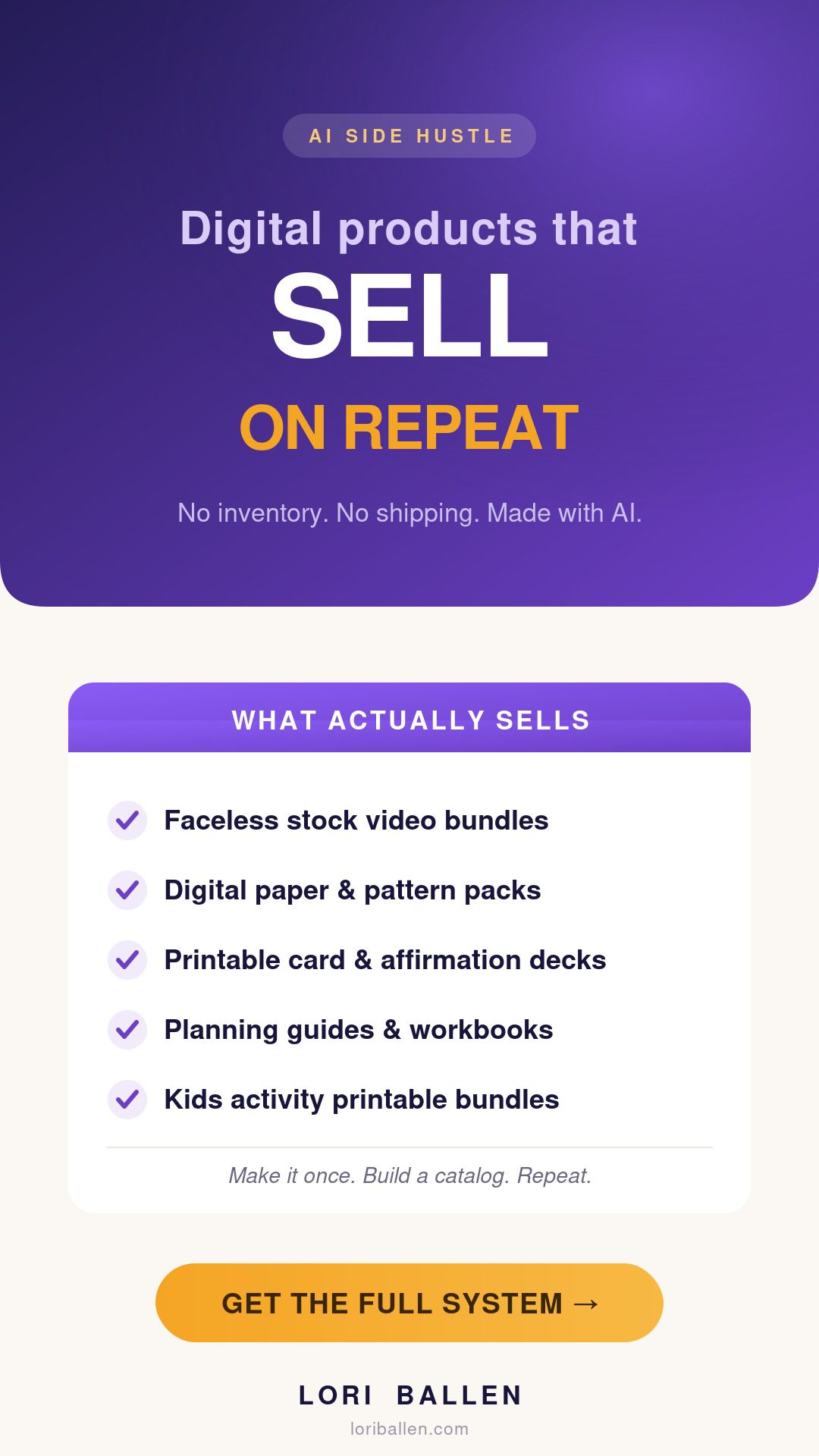
Faceless stock video bundles
Creators need b-roll constantly and most of them do not want to film it. So I take still photos and animate them into short looping clips, then bundle ten or twenty into one download.
The raw material matters here. I pull from Envato Elements, which is one flat subscription for unlimited stock photos, video and music with a commercial license on everything you download. That license part is the whole reason I use a paid source instead of scraping free sites. You cannot sell a bundle built on files you are not allowed to sell.
Then I animate in Canva and export. One afternoon gets me several bundles.
Digital paper and pattern bundles
This is the easiest one to start with. I generate seamless patterns in Ideogram, pick the twenty that actually look good together, and sell them as a themed pack.
Theme is what sells, not volume. “Boho florals in dusty rose” outsells “100 patterns” every single time, because the buyer is usually making something specific and needs the set to match.
Make one theme. Make it well. Then make the next one.
Printable card and affirmation decks
I use ChatGPT to write the lines, then I edit hard. AI gives you fifty affirmations in a second and about thirty of them are forgettable. The twenty you keep are the product.
Then Canva Bulk Create turns a spreadsheet of those lines into a full deck of cards in one pass instead of one at a time. If you learn one Canva feature this year, make it that one.
These do well as gifts, which means they spike around holidays. Build them early.
Planning guides, checklists and workbooks
I have ChatGPT outline the topic, then I rewrite it in my own voice, because a workbook that sounds like everybody else’s workbook does not get reviews.
Here is the trick that doubles your catalog without doubling your work. One big guide splits into three products: the full guide, the checklist on its own, and the workbook pages on their own. Three listings, three price points, one afternoon.
Buyers who want the cheap checklist often come back for the full guide later.
Preschool and kids activity bundles
Consistent line art is the hard part, and Ideogram handles it better than most because it keeps a style steady across a set. Nothing kills a kids bundle faster than page three looking like a different artist drew it.
I build tracing pages, matching games, and coloring sheets around one theme, then assemble in Canva.
This category has the best repeat buyers of the five. Parents who like your dinosaur pack come straight back for the ocean pack.
What I use, and what it costs to start
Every one of these has a free way in. Start free, and only pay for the one that is saving you real hours.
| Tool | What it does here | Free option | Paid from | |
|---|---|---|---|---|
| Everbee | Shows what is actually selling on Etsy | Free plan | $19.99/mo | Check Etsy demand free → |
| Ideogram | Generates the patterns, art and line work | Free plan | paid tiers | Try Ideogram free → |
| Envato Elements | Licensed stock photos, video and music | 12 free files a month | $16.50/mo | See what is included → |
| PinClicks | Pinterest keywords that send buyers | 5 day trial, no card | $29/mo | Try PinClicks free → |
| Kit | Sells and delivers the files, collects emails | Free to 10,000 | $39/mo | Start free on Kit → |
These are affiliate links. If you sign up through them I may earn a commission at no extra cost to you. I only share tools I actually use in this workflow.
A closer look at each one
Everbee
Before I make anything, I check whether people are actually buying it. Everbee shows real sales and revenue estimates on live Etsy listings, so I am picking products from data instead of a hunch. The free plan is enough to validate an idea.
Ideogram
Generates my patterns, line art and printable graphics, and it holds a consistent style across a whole set, which is exactly what a bundle needs. Free plan to start.
Envato Elements
One subscription for unlimited stock photos, video, music and fonts, with a commercial license on everything. This is what makes the video bundles legal to sell.
PinClicks
Tells me what people are searching on Pinterest so my listings and pins target phrases that already have demand behind them.
Kit
Where I sell and deliver my own digital products, and where the buyer’s email lands so I can sell them the next thing. Free up to 10,000 subscribers, and you can sell on the free plan.
The full system, written down
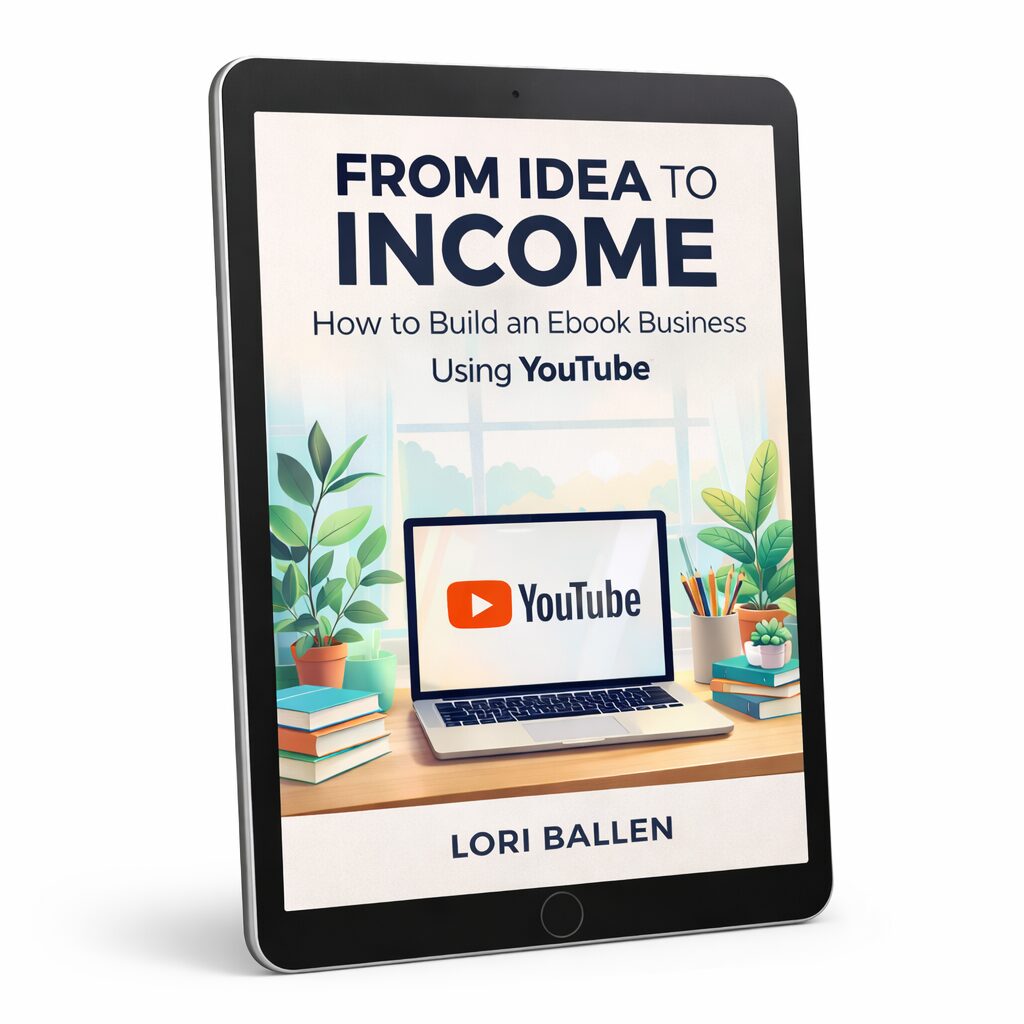
From Idea to Income
Turn one idea into a digital product and sell it with YouTube, templates and prompts included.
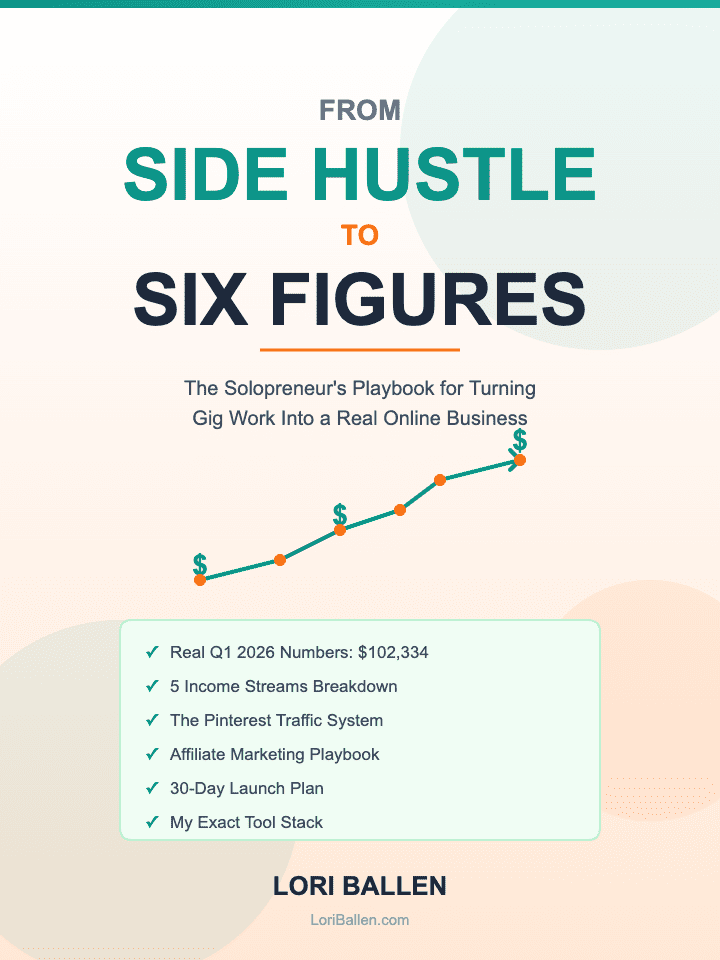
Side Hustle to Six Figures
The solopreneur playbook for stacking income streams that keep paying after the work is done.
Five mistakes that cost me the most
- Making one listing and waiting. One listing is a test, not a business. The shops that work have a catalog, and the catalog is what the algorithm rewards.
- Building before checking demand. Spending a weekend on a product nobody searches for is the most expensive mistake on this list, and it is free to avoid.
- Selling files you do not have rights to. Free stock sites usually do not allow resale. If you are bundling media, use a source with a commercial license or you will get taken down.
- Publishing raw AI output. The AI draft is the starting point. The edit is the product. Thirty forgettable affirmations do not sell, the twenty good ones do.
- Ignoring the buyer’s email. A sale on someone else’s platform is one sale. A sale plus an email is a customer you can sell to again.
Before you start
Do I need to be good at design?
No, and that is genuinely new. You need taste, meaning the ability to look at ten AI outputs and pick the two that look good. The tools handle the making. You handle the choosing.
How many listings before this earns real money?
Think in dozens, not in ones. Every listing is another chance to be found, and the traffic compounds. Most people quit at three and decide it does not work.
Can I really sell AI generated images?
On most platforms yes, but the rules differ and they change, so read the policy for wherever you are selling before you build a catalog on it. Where it gets risky is stock media you did not license for resale.
How long until Pinterest sends traffic?
Longer than social, shorter than Google. Pins sit quiet and then start moving, which is why you keep making them instead of waiting on the first batch.
What does it cost to start?
You can validate an idea and make your first product on free plans across every tool here. Pay for the one that is actually saving you hours, and pay for it after something sells, not before.
“One listing is a test. A catalog is a business.“— Lori Ballen
Free: The Ballen Method for Pinterest
Pinterest is what sends buyers to my listings. This is the keyword research process and pin structure I run before I make anything, in one short PDF.
Loved this? Pin it.
Hover the image and tap the Pinterest Save button to keep this on one of your boards.
Let’s build your catalog together
In group coaching we pick your product type, validate it against real demand, and get your first listings built while you have someone to ask. No guessing which of the five is right for you.
Join group coaching →Ready to build a catalog that earns while you sleep?
Join group coaching at Ballen Academy →Not ready to coach yet? Get Letters from Lori, my field notes on building a business that earns for the long haul.
Hey there! Just a quick heads-up: some of the links on this site are affiliate links, meaning I may earn a small commission if you make a purchase (including through the Amazon Associates program), at no extra cost to you. Occasionally, products featured here are gifted by brands.
I also use AI tools to help research and create content for you! While I love sharing strategies to help you succeed, please remember that everyone's journey is unique—individual results vary, and there are no guarantees. Thanks so much for stopping by!