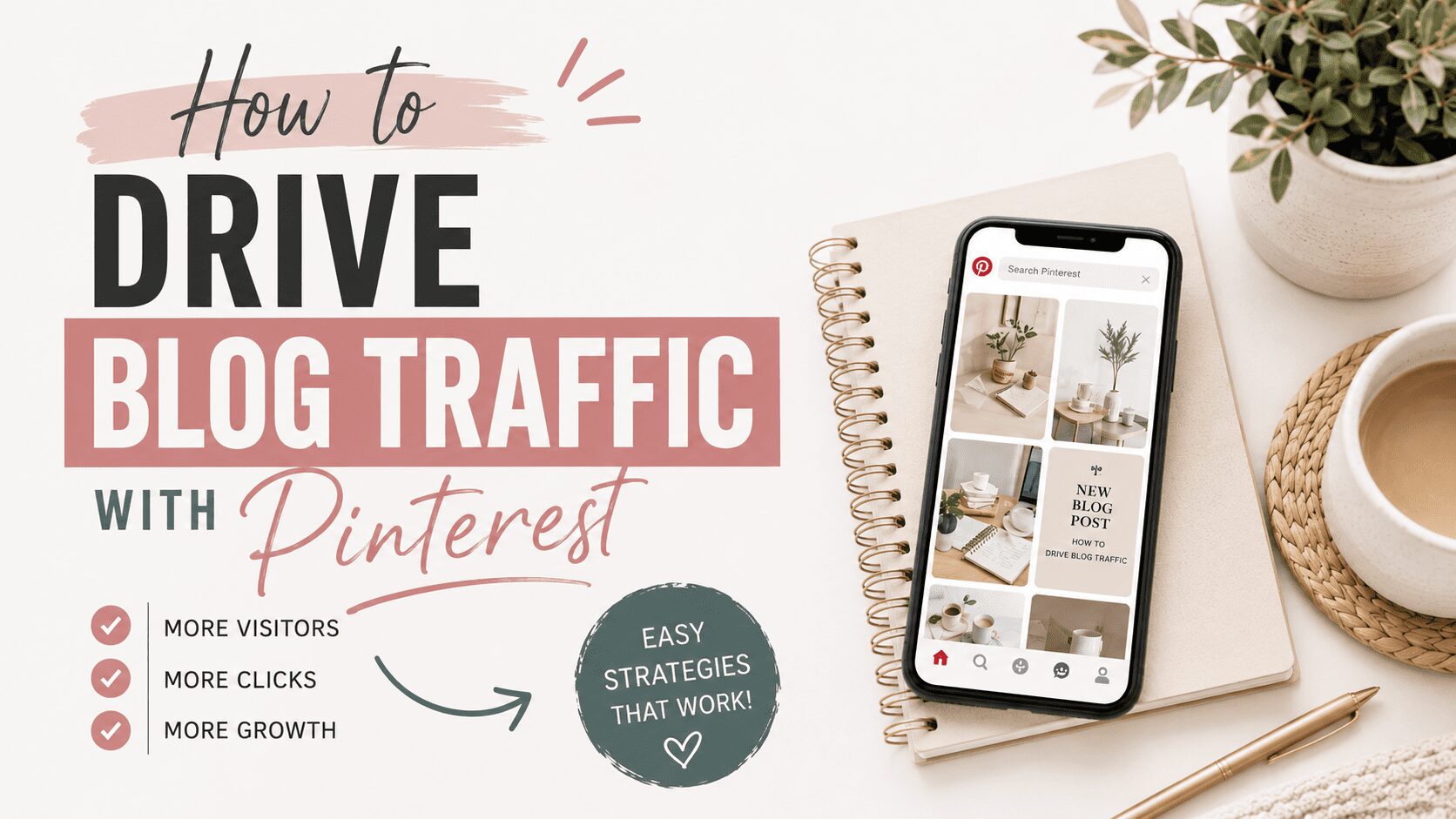
Pinterest is one of the most effective platforms for driving consistent, compounding blog traffic. Unlike social media platforms where content has a lifespan of hours, Pinterest pins continue generating clicks months and years after they are published. This is not a feature most platform describe about themselves. It is a real operational characteristic that fundamentally changes how you think about content investment and return.
Why Pinterest Works for Blog Traffic
Pinterest functions as a search engine. When a user searches for a topic, Pinterest returns relevant pins ranked by keyword signals and engagement. Each pin links to an external URL, which can be your blog post. Traffic from Pinterest arrives with intent because the user actively searched for what your post covers, which is fundamentally different from social referral traffic where someone stumbles across your content in a feed without seeking it out.
The compounding nature of Pinterest traffic is what makes it genuinely valuable for bloggers. A pin published today continues ranking in search and generating clicks twelve months from now if it is well-optimized. I have blog posts with Pinterest pins that have been sending traffic for over a year from pins I created once and never touched again. That is not how any social media platform works. It is how a search engine works, and it is why the time investment in Pinterest optimization pays off differently than social media posting.
Step 1: Integrate Pinterest Keyword Research into Blog Planning
The most effective approach is to use Pinterest keyword research as part of your blog content planning process, not as an afterthought after the post is already written. Before committing to a blog topic, check whether that topic has meaningful Pinterest search volume. If it does, you have a clear Pinterest traffic path for the post from day one. If it does not, you know to either choose a different topic or accept that Pinterest will not be a significant traffic source for that particular post.
The tool I use for this is Pinclicks, which shows actual Pinterest search volume for any keyword. I check the topic before writing the post, identify the highest-volume keyword variations, and write the post with those keyword phrases in mind for both the blog content itself and for the pin metadata I will create. When you research Pinterest keywords before writing the post, you end up with content that is naturally optimized for both Google and Pinterest rather than having to retrofit Pinterest optimization onto content written purely for Google.
Step 2: Create Multiple Pin Designs Per Post
For each blog post, create three to five pin designs rather than a single pin. Each design targets a slightly different keyword variation of the post’s main topic. Pinterest treats each unique image as fresh content even when the destination URL is the same. This means multiple pin designs give you multiple separate search ranking opportunities from a single blog post.
For pin images, I use Ideogram to generate original lifestyle visuals that match each keyword variation. An original image is visually distinct in Pinterest search results where other pins may be competing for the same keyword using the same stock photos. A distinctive image that clearly represents the keyword topic earns more clicks than a generic stock photo that could represent dozens of different topics.
Design each pin at 2:3 ratio, minimum 1000×1500 pixels. Add a keyword-forward text overlay readable at thumbnail size. Each pin should have a title leading with its specific keyword variation and a description opening with the keyword in the first sentence.
Step 3: Distribute Over Time, Not All at Once
Publish the multiple pin designs for each post spread across two to three weeks rather than all at once. Pinterest treats them as fresh content and indexes each one separately when they are published at different times. Publishing five designs for the same URL simultaneously can look like spam behavior and may suppress distribution. Spacing them out maintains fresh content status for each design while keeping your account looking naturally active.
I use Tailwind to schedule this distribution automatically. I load all five pin designs into the queue with their scheduled board assignments and let Tailwind space them appropriately while publishing at optimal audience activity times. This keeps multiple pins for the same post in active distribution without requiring me to manually manage the timing.
Step 4: Return to High-Performing Posts
After a few months of running Pinterest traffic to your blog, your analytics will show which posts are generating the most Pinterest-driven outbound clicks. These are your highest-performing Pinterest content destinations. Return to them periodically and create new pin designs targeting different keyword variations. Each new design extends the life of that post’s Pinterest traffic by creating a new search ranking opportunity.
A blog post that earns 200 monthly Pinterest clicks with its initial pin designs might earn 500 monthly clicks with ten total designs published over six months, each targeting a slightly different search variation. The content investment in the destination post is the same. The incremental investment in additional pin designs pays off through expanded search coverage of the same topic.
Measuring Pinterest Traffic to Your Blog
Track Pinterest as a traffic source in Google Analytics to see how much traffic Pinterest is actually driving to your blog and which posts are receiving it. Pinterest business account analytics show outbound clicks per pin and per board, which tells you which specific pins are driving the most traffic. Cross-reference the top Pinterest-driving pins with your blog analytics to understand which posts are converting that traffic into email subscribers, affiliate clicks, or product purchases.
Monthly review rather than daily monitoring is the right cadence. Pinterest traffic grows gradually and daily fluctuations are too noisy to draw conclusions from. Looking at monthly trends tells you whether overall Pinterest-driven traffic is growing, which keywords are gaining traction, and which content types are converting best from Pinterest referrals.

This post contains affiliate links. I may earn a commission if you sign up or purchase through my links, at no extra cost to you.
Hey there! Just a quick heads-up: some of the links on this site are affiliate links, meaning I may earn a small commission if you make a purchase (including through the Amazon Associates program), at no extra cost to you. Occasionally, products featured here are gifted by brands.
I also use AI tools to help research and create content for you! While I love sharing strategies to help you succeed, please remember that everyone's journey is unique—individual results vary, and there are no guarantees. Thanks so much for stopping by!