Clicky

  • About
    • Affiliate Disclosure
    • Ballen Academy
    • Contact Us
    • Privacy Policy
    • Youtube
  • Lori Ballen’s Blog
    • Affiliate Marketing Strategies
    • Blogging Strategies
    • Content Marketing
    • Pinterest
    • Side Hustles
  • Shop
Friday, September 4, 2026
No Result
View All Result
COACHING
Lori Ballen
  • About
    • Affiliate Disclosure
    • Ballen Academy
    • Contact Us
    • Privacy Policy
    • Youtube
  • Lori Ballen’s Blog
    • Affiliate Marketing Strategies
    • Blogging Strategies
    • Content Marketing
    • Pinterest
    • Side Hustles
  • Shop
No Result
View All Result
Lori Ballen
No Result
View All Result

I Connected 8 Tools to Claude. Here’s What I Actually Type.

This page contains affiliate links — if you click through and sign up or buy, I may earn a commission at no extra cost to you. I only ever recommend tools and programs I actually use.

Claude Connectors

I Connected Eight Tools Straight Into Claude

No exporting a CSV. No pasting numbers in. No describing my own business to Claude and hoping it understood me right. Here is exactly how to set that up, and exactly what to type once it is connected.

Get Claude 101 for Creators →
Real prompts included. Not theory.
Go deeper — $27 each

Start With the System, Not Just the Tools
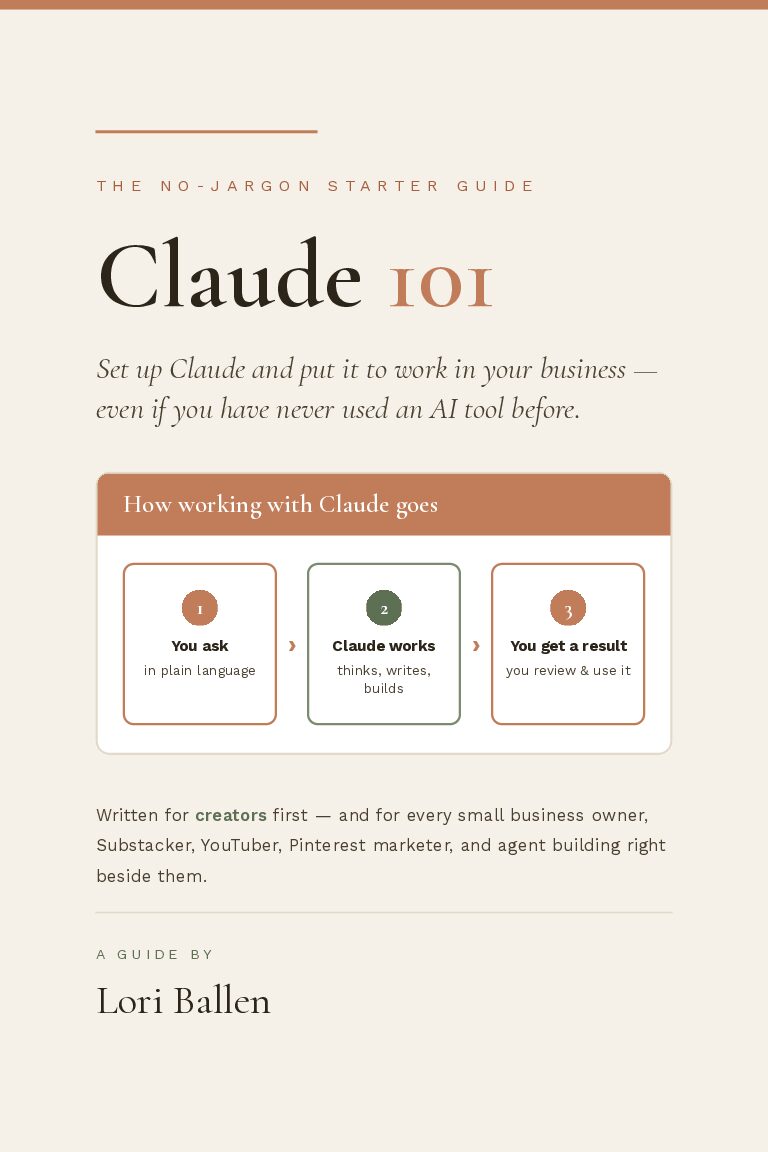
Claude 101 for Creators

Claude 101 for Creators

The system behind everything in this post. Start here if Claude is still new to you.
$27
Get the guide →
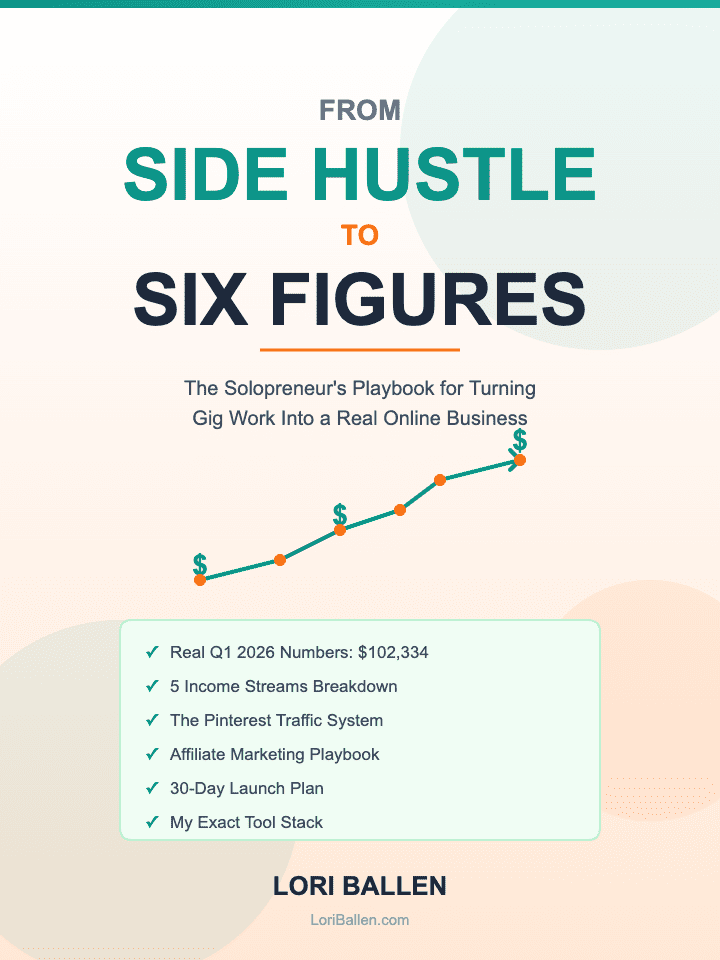
Side Hustle to Six Figures

Side Hustle to Six Figures

The solopreneur playbook. Systems over headcount, from someone running four businesses alone.

$27
Get the guide →
What I actually pay for

Every Tool On This Page, I Use Myself

Not a roundup. Not a list I pulled off somebody else’s post. I pay for every one of these every month, and every one now connects straight into Claude.

📌

Tailwind

Queues my Pinterest pins and tells me the second a board goes quiet.

AffiliateCheck it out →
📈

vidIQ

Scores a title before I upload and flags which old videos still have traffic left.

AffiliateCheck it out →
🔍

Pinclicks

Shows the real monthly search volume before I design a single pin.

AffiliateCheck it out →
📊

Jetpack

Tells me which post spiked this week, straight through Claude.

AffiliateCheck it out →
🎬

Opus Clip

Turns one long video into a week of short-form clips.

AffiliateCheck it out →
The concepts, click to open

What You Are Actually Looking At

🔌

What a connector actually is

+
A bridge between Claude and an app you already use. Once it is connected, Claude can read your real data inside that app and take real action in it. You are not uploading a file and hoping Claude guesses right. Claude is looking at the real account.
🔑

How to actually connect one

+
Go to claude.ai, click your name bottom left, open Settings, then Connectors. Find the tool, click Connect, log in the normal way you always log into that tool, approve what it is asking to see. No code, usually no API key. Go back to a normal conversation. The tool is just there now.
🧠

Connectors, skills, and uploads are not the same

+
A connector is access to a live account. A skill is a reusable recipe that might use several connectors together. Uploading a file is a one time snapshot, not a live connection. You can run all three at once. Get one connector working before you worry about the rest.
⚠

What can actually go wrong

+
Claude says it cannot see your account? Check that it is connected AND turned on for this specific conversation, those are two different switches. Data looks old? Ask again, it is usually a timing thing. Do not want something sent without you checking first? Ask for a draft, not a send.
Pick your lane

Who Should Actually Connect What

Start here

Tailwind, then Pinclicks

Connect Tailwind first so a quiet board gets caught before it costs you traffic. Connect Pinclicks next to check real monthly search volume before you design a single pin. That is the whole content loop: research it, design it, queue it.

AffiliateTailwind →Pinclicks →
Start here

Your email platform, alone

Connect Kit and stop there for now. Ask it who opened your last broadcast, then which subject line actually worked. Once that is a habit, add the next connector, not before.

Read the solo playbook →
Worth setting up

A CRM, then Ballen Academy

Connect a CRM first so “is this lead going cold” gets answered in one sentence instead of a gut feeling. If you want the actual systems behind it walked through live, that is exactly what we cover inside Ballen Academy.

Join Ballen Academy →
Worth setting up

Jetpack, then an analytics connector

Connect Jetpack first so your post and site performance shows up right inside Claude. Once checking four ad dashboards is actually eating a real chunk of your week, add an analytics connector that pulls every platform into one place.

AffiliateJetpack →
Copy, paste, send

What to Actually Type

A connector does nothing sitting there. It does something the moment you name the tool and ask it a specific question about your specific account. Tap Copy, paste it into Claude, swap in your own detail.

Kit — check email performanceIn my Kit account, pull the open and click rates on my last three broadcasts and tell me which subject line performed best.
Tailwind — catch a quiet content queueIn my Tailwind account, show me what is scheduled on my Pinterest boards this week and tell me which board has nothing queued.
WordPress — find unfinished draftsIn my WordPress site, list my draft posts and tell me which ones are missing a featured image.
Jetpack — check which post spikedIn my Jetpack account, tell me which post on my site got the most traffic this week and how it compares to last week.
Kit — build an automationIn my Kit account, build an automation that tags a new customer the moment they buy through my checkout.
Do this today

Your First Six Steps

Check each one off as you go. This is the whole setup, start to finish.

0 of 6 done

“You have to learn how it works so that you can just talk to it.”
— Lori Ballen
Questions I actually get

Before You Connect Anything

Does this cost extra?+

The connector itself is usually free to connect. You are linking an account you already pay for. Some tools in the directory carry their own separate pricing tied to their own plan.

Can it publish or send something without me approving first?+

For anything with write access, ask for a draft, not a send, until you trust the workflow. Those are two different requests, and I treat that as a rule, not a suggestion.

Do I need to know how to code?+

No. Every prompt on this page is plain English. The only technical step in the whole process is clicking Connect and logging in the way you already log into that tool.

What if I connect something and do not like it?+

Disconnect it. Same settings screen, same two clicks it took to connect. Nothing about this is permanent.

Will Claude see everything in my account the second I connect it?+

Only what the scope allows, and you are shown that scope before you approve it. Some connectors are read only by design and cannot write anything back at all.

I sell through Amazon Influencer or TikTok Shop, is there anything for that?+

Commerce specific connectors are a growing part of the directory, and a general automation connector bridges most of what is not covered directly yet.

Your move

Connect One Tool. Ask It Something Real Today.

Get Claude 101 for Creators →Check Out Tailwind →

Not ready to buy yet? Get Letters from Lori for more of this, straight to your inbox.

Get Claude 101 for Creators →

Hey there! Just a quick heads-up: some of the links on this site are affiliate links, meaning I may earn a small commission if you make a purchase (including through the Amazon Associates program), at no extra cost to you. Occasionally, products featured here are gifted by brands.

I also use AI tools to help research and create content for you! While I love sharing strategies to help you succeed, please remember that everyone's journey is unique—individual results vary, and there are no guarantees. Thanks so much for stopping by!

Share this:

  • Share on Facebook (Opens in new window) Facebook
  • Share on X (Opens in new window) X
ShareTweet
Previous Post

Affiliate Marketing Strategies for Beginners: The 7 That Actually Make Money

Next Post

How to Build a Real Estate Agent Website With Lovable AI (No Code)

Lori Ballen

Lori Ballen

I'm a full-time blogger. I teach entrepreneurs how to get more website traffic, generate leads, and make more money online. This website contains affiliate links that benefit me. Take a Course Get a Website Try my Tools

Next Post
Real Estate Website for New Agents: Where to Start

How to Build a Real Estate Agent Website With Lovable AI (No Code)

Leave a Reply

Your email address will not be published. Required fields are marked *

I agree to the Terms & Conditions and Privacy Policy.

This site uses Akismet to reduce spam. Learn how your comment data is processed.

  • About
  • Lori Ballen’s Blog
  • Shop
Get This Theme

© 2022 Lori Ballen | This website contains affiliate links that benefit the site owner

Welcome Back!

Login to your account below

Forgotten Password?

Retrieve your password

Please enter your username or email address to reset your password.

Log In

Add New Playlist

No Result
View All Result
  • About
    • Affiliate Disclosure
    • Ballen Academy
    • Contact Us
    • Privacy Policy
    • Youtube
  • Lori Ballen’s Blog
    • Affiliate Marketing Strategies
    • Blogging Strategies
    • Content Marketing
    • Pinterest
    • Side Hustles
  • Shop

© 2022 Lori Ballen | This website contains affiliate links that benefit the site owner

This website uses cookies. By continuing to use this website you are giving consent to cookies being used. Visit our Privacy and Cookie Policy.