This page contains affiliate links. If you sign up through them, I may earn a commission at no extra cost to you. I only recommend tools I actually use.
You can get paid for the click. Not just the sale.
If you are in the Amazon Influencer Program and not on Pinterest, you are leaving money on the table. If you are on Pinterest manually uploading everything, you are burning time you do not have. Here is what Viral Vue actually automates, and the income stream most influencers do not know exists yet.
The part that caught my attention
Amazon has a program called Sponsored Products for Creators sitting inside Creator Connections that most influencers have never touched, because finding the right products and building pins for them by hand was too slow to bother with.
It is not affiliate commission. You earn on the click, not the sale. Some products pay two dollars or more per click. Combine that with the affiliate commission on anything that does convert, and one pin is stacking two income streams instead of one.
Viral Vue is what makes that actually usable at scale, because the manual version of this was never going to happen consistently.
What Viral Vue actually automates
What could this actually be worth?
Pick your numbers. This is a projection to help you plan, not a promise of results.
What you need in place
The repeatable workflow
Once the templates exist, this is the whole loop.
1. Open the EPC product view, sorted highest to lowest.
2. Filter for deals with budget remaining.
3. Click through to Canva.
4. Paste the ASIN, pull in the product image.
5. Apply your saved template, or describe what you want and let Canva's AI build it.
6. Switch to the Pinterest tab. Let the AI pin builder draft the title, description and hashtags.
7. Pick a board.
8. Generate the deep link. Never swap in a different link, or you lose EPC credit on that campaign.
9. Publish.

Find product, click Canva, paste ASIN, add image, publish. That is the whole rhythm.
“You are stacking two income streams from the same pin. The click, and whatever it converts into.”— Lori Ballen
Before you sign up
Do I need gold status to use any of this?
No. Gold status or above unlocks Sponsored Products for Creators specifically, the earnings-per-click program. The cross-posting and pin-building features work for standard affiliate content at any status level.
What is the actual difference between EPC and affiliate commission?
Affiliate commission pays when someone buys. EPC pays when someone clicks, whether or not it turns into a sale. That means traffic itself has value, not just conversions.
Why does the deep link matter so much?
A normal link opens Pinterest content in a browser. A deep link opens directly in the Amazon app, where people already signed in convert at a higher rate. For Sponsored Products for Creators specifically, the deep link is also the exact associate link tied to that campaign. A different link can mean you do not get credit for the click.
Can I use this on videos I already uploaded months ago?
Yes. The Storefront Optimizer lets you pull older videos and cross-post them the same way, with tracking so you do not accidentally repost the same one twice.
Is the Pinterest integration worth it if I only care about my Amazon storefront?
Cross-posting takes about thirty seconds on top of an upload you were already doing. That distribution is close to free, even if Pinterest is not where you plan to spend your time.
Turn the pins into a real system

Pinterest Power Stack
Turn one product into a whole run of pin variations, instead of one pin per campaign.
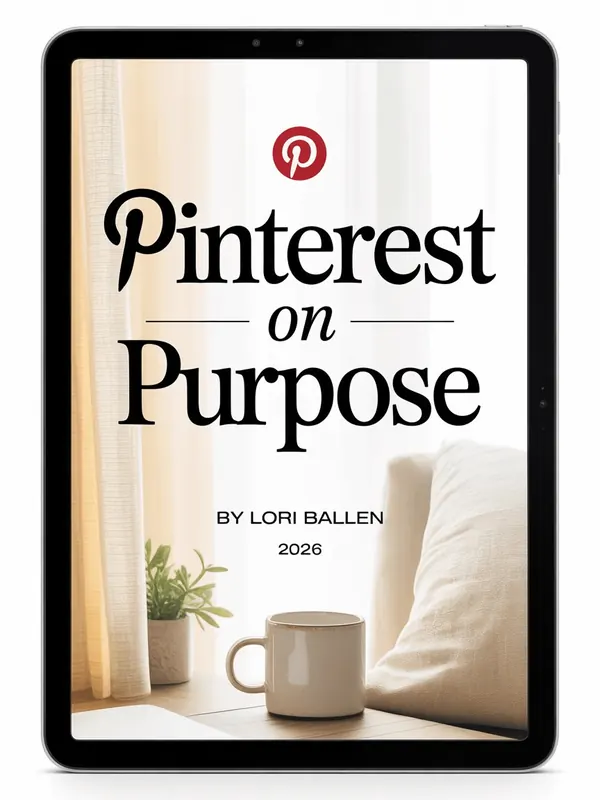
Pinterest on Purpose
The no-fluff system for Pinterest traffic, keyword to published pin, in your own account.
Thirty seconds per video is a genuinely easy yes.
Not ready yet? Get Letters from Lori instead.
Hey there! Just a quick heads-up: some of the links on this site are affiliate links, meaning I may earn a small commission if you make a purchase (including through the Amazon Associates program), at no extra cost to you. Occasionally, products featured here are gifted by brands.
I also use AI tools to help research and create content for you! While I love sharing strategies to help you succeed, please remember that everyone's journey is unique—individual results vary, and there are no guarantees. Thanks so much for stopping by!