Clicky

Saturday, May 30, 2026
No Result
View All Result
COACHING
Lori Ballen
No Result
View All Result
Lori Ballen
No Result
View All Result
Home Pinterest

Turn ONE Link Into 100s Of Viral Pinterest Pins

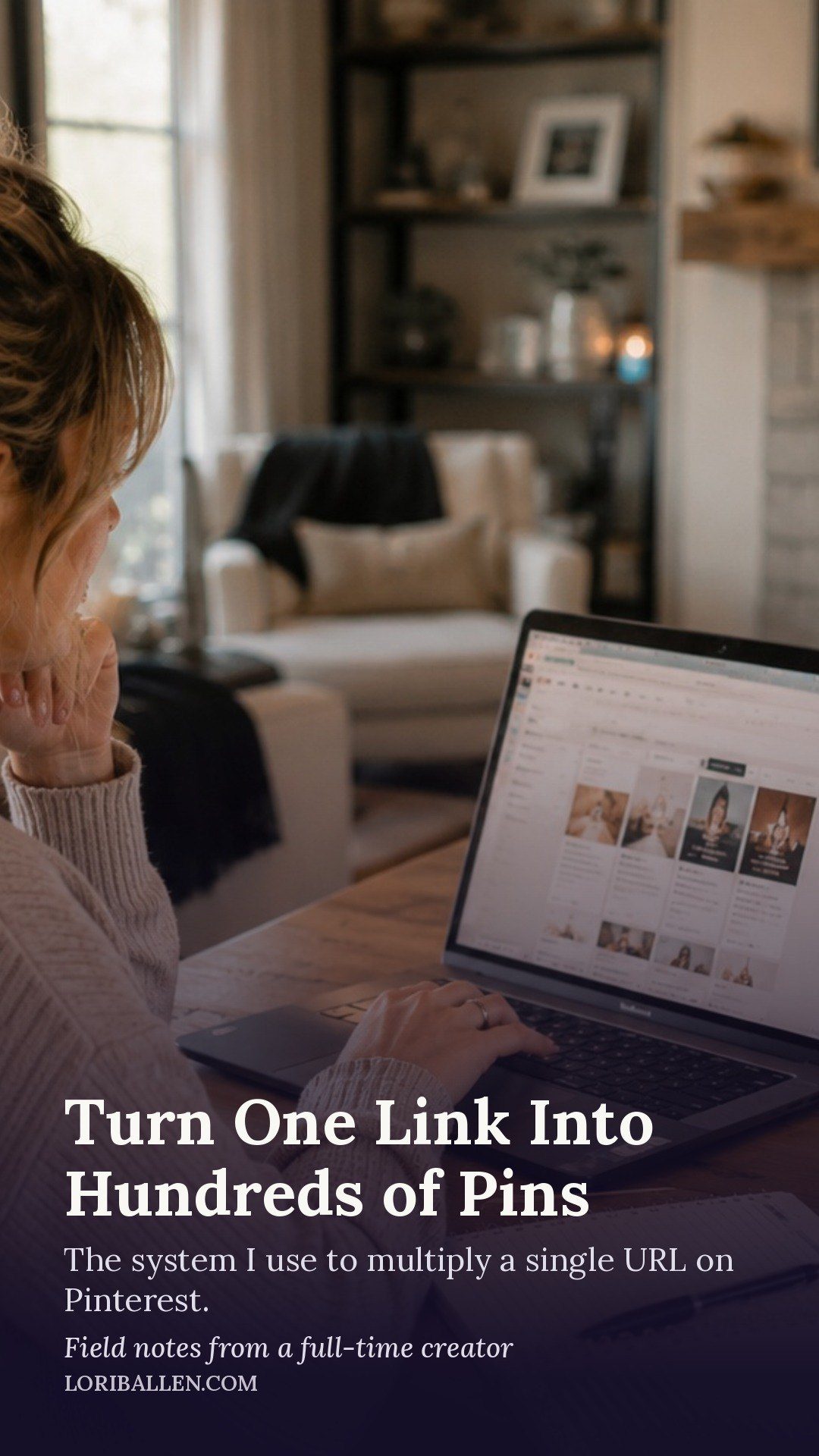
Turn ONE Link Into 100s Of Viral Pinterest Pins

This website contains affiliate links. Some products are gifted by the brand. As an Amazon Associate, I earn from qualifying purchases. The content on this website was created with the help of AI.

While I share money-making strategies, nothing is "typical", and outcomes are based on each individual. There are no guarantees.

Let’s guess: you’re spending hours in Canva, churning out Pinterest pins one by one, and it feels like a losing battle. You’re on a content treadmill, your traffic is flatlining, and you’ve heard you need to post a high volume of fresh pins—maybe 15 or 20 a day—to see real growth. But honestly, who has the time for that?

You pour your heart and soul into a brilliant blog post or a new product; it gets a nice little burst of traffic, and then… it just fades away into your site’s archives. It can feel like such a waste of effort.

RelatedPosts

How to Schedule Pinterest Pins with Tailwind (Step-by-Step)

How to Drive Blog Traffic with Pinterest

Pinterest Growth Strategy: How I Grow Without Posting Every Day

Pinterest SEO: How to Get Your Pins Found in Search

How to Set Up a Pinterest Business Account (The Right Way)

But what if you could take one single link—from that blog post or product page—and turn it into a nearly endless stream of fresh, keyword-optimized pins that are actually designed to get clicks? What if you could generate weeks’ worth of high-quality Pinterest content in the time it takes to drink your morning coffee? This guide will show you the AI method that does exactly that, helping you generate a steady stream of fresh pins so you can finally put your Pinterest growth on autopilot.

The New Rules of Pinterest: Why Fresh Content is King

Before diving into the step-by-step process, it’s crucial to understand why this method works so well right now. The Pinterest of today is not the Pinterest of a few years ago. The algorithm has changed, and using an old playbook means you’re getting left behind.

One of the biggest keys to growth in 2026 is fresh content. Pinterest’s algorithm is hungry for new, unique pins. While repinning your old content still has its place, the platform now heavily favors never-before-seen designs, new titles, and fresh descriptions to show its users.

This is exactly why so many creators are burning out. Manually creating 10 or 20 truly fresh pins every single day is a beast of a task. It takes design skills, copywriting chops, and hours of your time that you probably don’t have. You’re stuck choosing between creating new core content for your business—like that next blog post or product—and feeding the insatiable Pinterest machine.

This is the exact problem AI is perfectly built to solve. It gets rid of that trade-off. It lets you create the high volume of fresh content the algorithm wants, without burnout or abandoning the rest of your business. An AI Pin generator, especially one that works from a URL, becomes your personal design and copywriting assistant, working to turn the content you already have into the fresh pins Pinterest craves. This isn’t about replacing your strategy; it’s about putting it on steroids.

Your Step-by-Step Guide to AI-Powered Pin Creation

The tool that makes this magic happen is called Tailwind, and specifically, its AI feature, SmartPin. This feature was built to solve the “fresh pin” problem by connecting directly to your content.

Step 1: Feed the Machine a Link

It all starts with something you already have: a link. This can be a URL to a blog post, a product page, a podcast episode—whatever you want to drive traffic to. Inside your Tailwind dashboard, you simply paste your URL into the generation box. That’s it. You’re taking a single link and using it as the foundation for a whole new set of marketing assets.

Step 2: Let the AI Work Its Magic

Once you’ve entered your URL, you can also add a few target keywords you want the AI to focus on—a critical step for your SEO. If you’re not sure, you can even let the AI analyze the page and suggest some for you. Then, you click to generate. The AI goes to your webpage, pulls out images, reads the text, and gets the context of your content. In a few moments, it generates a complete, “Made-For-You” draft pin and drops it right into your scheduler, complete with an AI-generated title, a keyword-optimized description, and a unique design.

The real magic, however, is that SmartPin is designed to keep generating new, unique, fresh pins for that same URL, week after week. It’s a system that builds a continuous pipeline of marketing assets for you from that one link.

ADVERTISEMENT

Step 3: Refine and Refresh with a Human Touch

This is a partnership with AI, not a blind hand-off. For every pin the AI drafts, you have complete editorial control. The tool gives you multiple design options, so you can easily swap the layout, change fonts and colors to match your brand, or select a different image from your post.

The AI-generated titles and descriptions are an amazing starting point, but you can—and should—tweak them. Add your brand’s voice, polish the call-to-action, or refine the keywords. This mix of AI speed and your human oversight is what creates top-tier pins at scale. You’re not starting from scratch; you’re starting at 90% done and just adding that final 10% of sparkle.

Step 4: Automate Your Empire with Smart Scheduling

Creating the pins is only half the battle. This is where SmartPin works beautifully with another core Tailwind feature: the SmartSchedule. Once you’ve approved a pin, you just click “Schedule.” Tailwind uses data from your account to find the optimal times when your audience is most likely to be active and engaged, then automatically slots your pin into one of these prime-time slots. You can sit down for 30 minutes, approve a dozen pins, and have your Pinterest schedule locked in for weeks.

Managing Your Content Pipeline: When to Add and Remove Posts

An automated system is powerful, but it still requires strategic management. Knowing when to add a URL to your SmartPin queue and when to remove it is key to maximizing your results.

When to Add a Post to SmartPin:

  • New Content Launch: The moment you publish a new blog post, launch a product, or release a podcast episode, add its URL to SmartPin to start generating traffic from day one.
  • Reviving Old Content: Add URLs for valuable “archive” posts that are still relevant but no longer get traffic. This is a perfect way to breathe new life into evergreen content.
  • Seasonal or Promotional Campaigns: If you have content related to a holiday, sale, or specific season, add it to the queue a few weeks in advance to build momentum.

When to Remove or Pause a Post from SmartPin:

  • Outdated Information: If a blog post contains information that is no longer accurate or relevant, pause or remove it to ensure you’re only promoting high-quality, current content.
  • Sold-Out or Discontinued Products: There’s no sense in driving traffic to a product people can’t buy. Immediately remove URLs for items that are out of stock or no longer for sale.
  • Expired Promotions: Once a sale, event, or special offer has ended, remove the corresponding landing page from your queue to avoid frustrating users with expired deals.
  • Persistent Underperformance: If you notice that pins for a specific URL are consistently failing to get impressions or clicks compared to your other content, consider pausing it to focus the AI’s efforts on your proven winners.

Advanced Strategies for Maximum Growth

Once you get the basic flow down, you can layer on some pro-level strategies to crank up your results.

First, become an archaeologist for your own content. Go dig up those amazing blog posts from a year or two ago. Each one is a goldmine. Plug those URLs into SmartPin to spark a fresh marketing campaign for months of your “forgotten” content.

Second, get strategic with your keywords. Before you even paste the URL, use Tailwind’s Keyword Finder to identify relevant keywords that people are actually searching for. Feed this hand-picked list to SmartPin to ensure your AI-generated pins are hyper-optimized for search right from the start.

Finally, think in batches. Don’t just do one URL at a time. Grab five of your top-performing blog posts. Add all five URLs and let the AI generate pins for all of them. This batching approach lets you create a huge volume of diverse, fresh content in a single sitting, filling your schedule for weeks or even months and helping you achieve the high pin volume top accounts use to dominate on Pinterest.

From Burnout to Autopilot: Your Next Steps

There you have it: a system that can turn a single link into an automated Pinterest traffic machine. You can stop being a full-time pin designer and start being the CEO of your marketing. This is how you move from a frustrating manual process to an intelligent, automated system that gives the Pinterest algorithm exactly what it wants: an endless stream of fresh, optimized content.

If you’re ready to get off the content treadmill and put your Pinterest growth on autopilot, you can try the Tailwind SmartPin feature. Full transparency, it is an affiliate link, which means a small commission may be earned if you sign up, at no extra cost to you. It is the tool recommended for this strategy.

Give it a shot, and then leave a comment below: how much time do you think this method is going to save you every week?

Share this:

  • Share on Facebook (Opens in new window) Facebook
  • Share on X (Opens in new window) X

Like this:

Like Loading...

Related


Discover more from Lori Ballen Digital Marketing

Subscribe to get the latest posts sent to your email.

ShareTweet
Previous Post

How I Use ChatGPT to Write Product Roundups That Actually Convert

Next Post

Most Creators Use The Wrong Pinterest Scheduler

Lori Ballen

Lori Ballen

I'm a full-time blogger. I teach entrepreneurs how to get more website traffic, generate leads, and make more money online. This website contains affiliate links that benefit me. Take a Course Get a Website Try my Tools

Related Posts

How to Schedule Pinterest Pins with Tailwind (Step-by-Step)

How to Schedule Pinterest Pins with Tailwind (Step-by-Step)

Step-by-step guide to setting up Tailwind and scheduling Pinterest pins automatically from account connection to queue management.

How to Drive Blog Traffic with Pinterest

How to Drive Blog Traffic with Pinterest

Pinterest sends consistent compounding traffic to blog posts. Here is the exact system for setting it up and sustaining it.

Pinterest Growth Strategy: How I Grow Without Posting Every Day

Pinterest Growth Strategy: How I Grow Without Posting Every Day

Pinterest growth without daily posting is the actual strategy, not a shortcut. Here is exactly how the batch-and-schedule system works.

Pinterest SEO: How to Get Your Pins Found in Search

Pinterest SEO: How to Get Your Pins Found in Search

Pinterest SEO determines whether your pins get found or buried. Here is exactly how the algorithm works, where to put...

Next Post
Most Creators Use The Wrong Pinterest Scheduler

Most Creators Use The Wrong Pinterest Scheduler

Your Ultimate Guide To Pinterest Aesthetics 2026

Your Ultimate Guide To Pinterest Aesthetics 2026

You Are Repinning on Pinterest All Wrong

You Are Repinning on Pinterest All Wrong

Leave a ReplyCancel reply

This site uses Akismet to reduce spam. Learn how your comment data is processed.

No Result
View All Result

Recommended

n this image, you can see the young man in his home office, deeply engaged in blogging. He looks directly at the camera, his expression a mix of confidence and approachability. The office is inviting, with warm lighting and stylish furnishings, creating the perfect setting for creative work. The computer screen shows various blogging tools and a partially written blog post, highlighting his active role in content creation.

38 Best Product Review Bloggers that Make Money

50 Of The Best Pinterest Board Names

50 Of The Best Pinterest Board Names

Subscribe to Blog via Email

Enter your email address to subscribe to this blog and receive notifications of new posts by email.

Join 57 other subscribers

Categories

  • Affiliate Marketing Strategies (79)
  • Amazon Influencer Program (16)
  • Blogging Strategies (129)
  • Business (12)
  • Content Marketing (28)
  • Digital Products (20)
  • Make Money Online (15)
  • Marketing Tools and Resources (19)
  • Pinterest (102)
  • Real Estate (11)
  • Side Hustles (73)
  • Substack (6)
  • Youtube Channel (26)
  • Get a Website
  • Coaching
  • Lori’s eBooks
  • Lori’s Tools
Get This Theme

© 2022 Lori Ballen | This website contains affiliate links that benefit the site owner

Welcome Back!

Login to your account below

Forgotten Password?

Retrieve your password

Please enter your username or email address to reset your password.

Log In

Add New Playlist

No Result
View All Result
  • Home
  • Business

© 2022 Lori Ballen | This website contains affiliate links that benefit the site owner

This website uses cookies. By continuing to use this website you are giving consent to cookies being used. Visit our Privacy and Cookie Policy.

Discover more from Lori Ballen Digital Marketing

Subscribe now to keep reading and get access to the full archive.

Continue reading


Loading Comments...
 

    %d