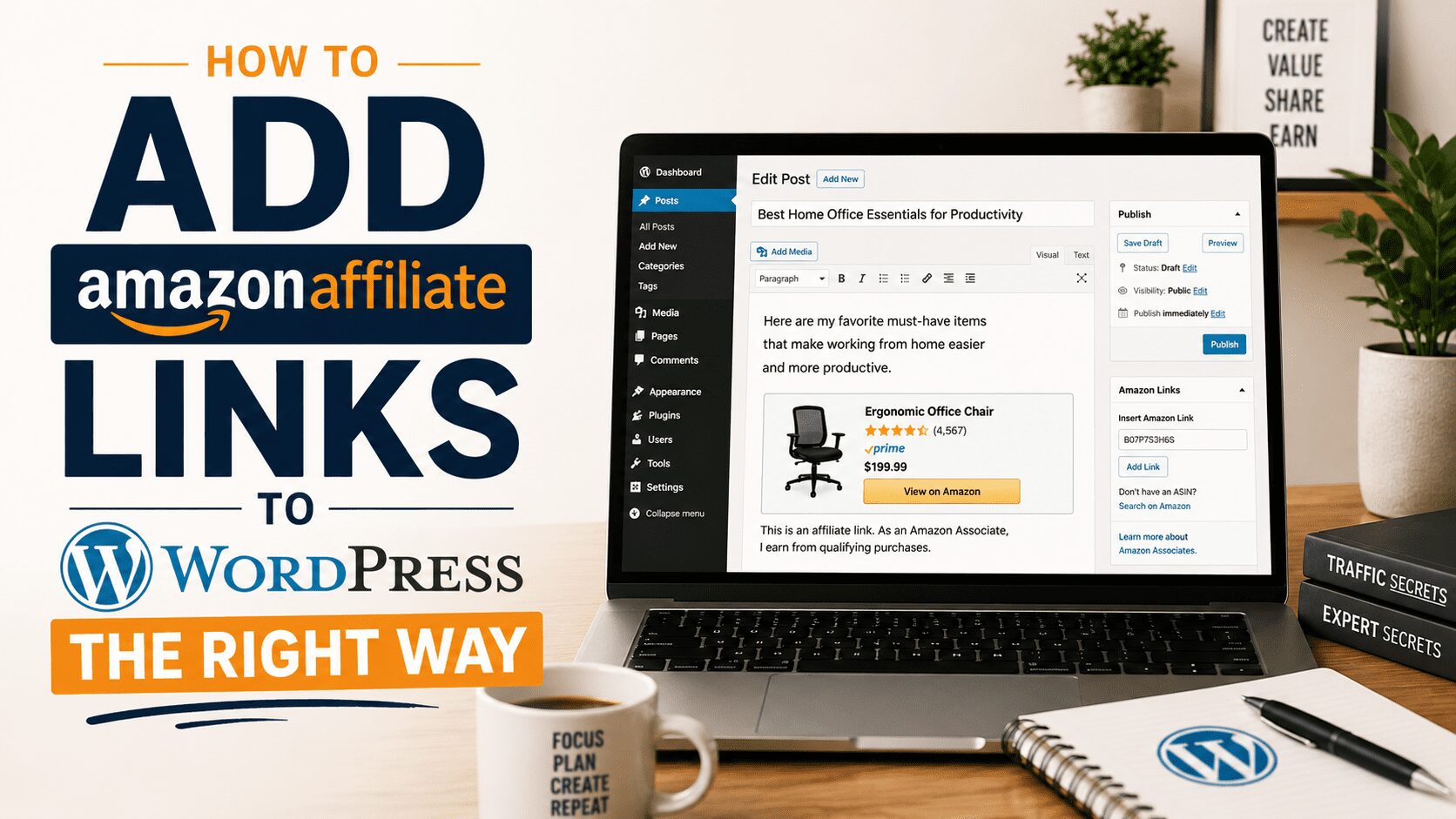
Most bloggers add their first Amazon affiliate link the same way. They grab the URL from Amazon Associates, paste it into their post, and call it done.
That works in the most basic sense. Someone clicks, someone buys, you earn a commission. But it’s not a system. It’s just a link.
The difference between a blog that earns a few dollars a month from Amazon and one that earns hundreds or thousands is almost entirely in the infrastructure around those links. How they’re displayed. How they’re managed. Whether you know which ones are working. Whether they break and you find out before you’ve lost three months of commissions.
Here’s what doing this right actually looks like.
Start With the Right Amazon Tracking ID
Amazon Associates allows you to create multiple tracking IDs under one account. Most bloggers use one tracking ID for everything, which means they have no way to segment performance by site, by content category, or by any meaningful dimension.
If you run multiple sites, create a separate tracking ID for each one. If you want to track performance by content type within a single site, you can create tracking IDs for different categories. The more granular your tracking, the more actionable your data becomes.
Setting this up before you start placing links means your historical data is clean from the beginning. Trying to untangle mixed tracking data after the fact is a headache that’s easy to avoid.
Log in to your Amazon Associates account, go to Manage Your Tracking IDs, and create the IDs you need before you start building links.
Never Use the Native Amazon Link Builder Alone
Amazon’s native link builder generates URLs that are long, ugly, full of tracking parameters, and completely unmanageable at scale. If you paste those raw URLs directly into your posts, you own that mess forever.
When Amazon changes a product URL — which they do regularly when products get updated, relisted, or replaced — your raw link breaks. You have no central place to update it. You have to hunt through every post individually to find and fix it.
The right approach is to run every Amazon link through an affiliate link management plugin before it ever touches your content. This is exactly what Lasso does. You import the Amazon URL into Lasso, it creates a managed product record with a clean cloaked URL, and that’s what goes into your post.
When the underlying Amazon URL changes, you update it once in Lasso. Every post that contained that product display updates automatically. No manual hunting. No broken links sitting undetected for months.
Use Product Display Boxes, Not Bare Links
A hyperlink buried in body text is easy to miss. Readers scan posts. They don’t read every word. If your affiliate link is sitting inside a paragraph, a significant portion of the people who could have clicked it will scroll right past it.
A product display box stops that scroll. It’s a visual unit that shows the product image, the product name, a brief description, and a clear call-to-action button. It signals to the reader that this is a recommendation and that clicking it is the next obvious step.
Lasso builds these display boxes automatically when you add a product to its system. The product image is pulled in, the name and description are populated, and the button links to your cloaked affiliate URL. You get a professional product display with minimal manual work.
The conversion difference between a bare hyperlink and a Lasso display box is not subtle. If you’re currently using raw links in your posts, upgrading to display boxes is one of the highest-ROI changes you can make to your existing content without changing a word of copy.
Follow Amazon’s Affiliate Program Rules
Amazon’s terms of service have specific rules about how you can use affiliate links. Violating them can get your account terminated, which means losing all the commission you’ve earned and starting over. It’s worth knowing the rules cold before you build a significant affiliate business on the platform.
The most important ones: you must disclose that your links are affiliate links and that you earn from purchases. You cannot use affiliate links in email newsletters. You cannot use them in PDF downloads or offline materials. You cannot cloak links in a way that hides the Amazon destination from readers — which means your cloaked URLs should still resolve through Amazon visibly when someone hovers.
Lasso’s cloaking is compliant with Amazon’s terms. The links look clean but still resolve to Amazon in a way that meets program requirements.
Read the Amazon Operating Agreement before you build your link strategy around the program. Assuming you know the rules without reading them is how people get their accounts banned.
Always Link to Specific Products, Not Search Results
Amazon allows you to link to search result pages, but you shouldn’t. When you link to a search result, you’re sending your reader to a page full of competing products from multiple sellers. The reader has to make another decision. They might pick a product that has no commission category, or they might leave without buying anything.
When you link to a specific product, the reader lands on the exact product page. One click, one product, one clear path to purchase. The conversion rate is meaningfully higher because you’ve done the work of choosing for them, which is exactly why they came to your blog in the first place.
Your readers trust your recommendation. Sending them to a search page says you’re not sure what to recommend. Sending them directly to the product says you’ve already done the research and this is what you’d buy.
Specific product links also give Lasso clean data to work with. The product record has a clear identity, a stable URL structure, and can be updated precisely when needed.
Place Links Where the Buying Intent Is Highest
The position of your affiliate link within a post affects how many people click it. Links at the top of a post, before the reader has committed to scrolling, get fewer clicks than links placed in context — right after you’ve explained what the product is, why you use it, and what problem it solves.
The highest-converting placements are typically within the body of the post right after a strong recommendation, in a dedicated product display box following a product description, and in a summary or best picks section near the end of a buyer’s guide or comparison post.
Don’t place links at the very beginning before you’ve given the reader a reason to care. And don’t save all your links for the end after most readers have already bounced. The sweet spot is contextual placement — the link appears at the exact moment the reader is thinking about this product.
Lasso display boxes are especially effective in this position because they create a visual pause in the content that signals the reader to stop and engage with the recommendation before moving on.
Audit Your Amazon Links Regularly
Amazon products get discontinued. Listings change. New versions replace old ones. A product you linked six months ago may no longer exist at that URL, may have been relisted under a different ASIN, or may now be fulfilled by a third-party seller at a different price point.
Without a regular audit process, you have no idea how many of your affiliate links are currently broken, outdated, or pointing to a product that’s no longer the best recommendation for your reader.
Lasso monitors your links continuously and surfaces broken ones automatically. You don’t have to remember to audit. You get alerted when something breaks so you can fix it before it costs you commissions.
That passive monitoring is what separates a maintained affiliate site from one that slowly deteriorates as links rot and nobody notices.
Track What’s Actually Working
Amazon Associates gives you commission reports. They tell you what sold and how much you earned. What they don’t tell you, with much precision, is which of your posts drove which sales.
Lasso fills that gap by tracking clicks at the individual display level. You can see exactly which products are getting clicked, in which posts, and how often. That data tells you where to invest your content creation and optimization efforts.
If three posts are generating most of your Amazon clicks, those posts deserve more internal links pointing to them, updated content to keep them ranking, and potentially more product recommendations within them. If a product has lots of clicks but low conversion according to your Amazon reports, the product itself might need to be reconsidered or replaced with a stronger option.
This is what managing an affiliate blog like a business actually looks like. Data in, decisions out. Lasso is how you get the data.
Hey there! Just a quick heads-up: some of the links on this site are affiliate links, meaning I may earn a small commission if you make a purchase (including through the Amazon Associates program), at no extra cost to you. Occasionally, products featured here are gifted by brands.
I also use AI tools to help research and create content for you! While I love sharing strategies to help you succeed, please remember that everyone's journey is unique—individual results vary, and there are no guarantees. Thanks so much for stopping by!


