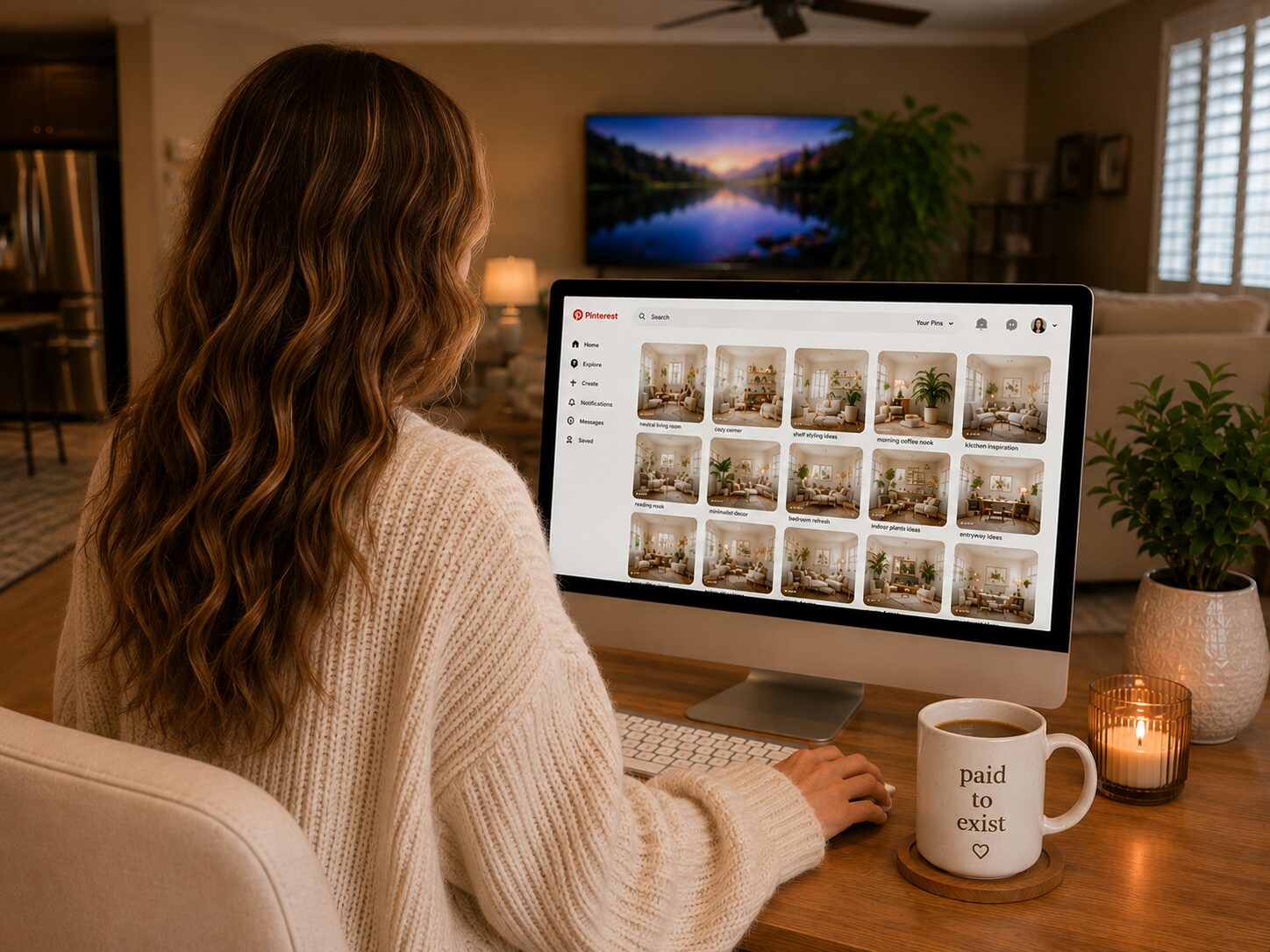
Getting more views on Pinterest is a solvable problem when you understand what “views” actually means in Pinterest’s analytics and what drives the algorithm to show your content to more people. Monthly views in Pinterest analytics measure impressions, meaning how many times your pins appeared in someone’s feed or search results. More impressions come from two things: Pinterest ranking your content in search, and the algorithm distributing your content to relevant audiences. Both are within your control.
Fix 1: Audit Your Keywords
Low impressions are almost always a keyword problem first. Pinterest is not showing your pins in search because the keyword signals are weak, missing, or targeting terms nobody actually searches. Audit your recent pins. Are your pin titles leading with a searchable keyword phrase or with a creative headline nobody would type into a search bar? Are the primary keywords in the first sentence of your descriptions? Are your board names searchable phrases with confirmed search volume or creative labels you invented?
The tool that fixes this problem at the root is Pinclicks. It shows actual Pinterest search volume for any keyword, which lets you verify before creating content that people are actually searching your target terms and how much monthly traffic each phrase generates. A pin targeting a keyword with 3,000 monthly searches and a pin targeting one with 30 monthly searches require identical production effort but produce radically different impression potential. Pinclicks tells you which is which before you create anything.
After auditing your current pins, apply keyword research to every future pin from the start of the production process. Do not create the image first and then try to find keywords for it. Find the keyword first, then create the image that matches the keyword topic, then write the title and description around that keyword. The keyword is the foundation. Everything else is built on it.
Fix 2: Improve Your Pin Images
If Pinterest is showing your pins but your click-through rate is low, the image is the problem. High impressions with low click-through rate means people are seeing your content in their feed or search results but not clicking. The image is not stopping the scroll or communicating a clear reason to click.
Pinterest performs visual analysis on images as part of its relevance determination. An image that clearly and specifically represents the keyword it is targeting sends a strong visual relevance signal that reinforces your text-based signals. A generic or visually ambiguous image sends a weak signal that may contribute to your pin being ranked lower for your target keyword even with perfect text optimization.
I use Ideogram to create original lifestyle images for my pins. Ideogram generates images from text prompts, which means I can create an image that is visually specific to the exact keyword I am targeting rather than using a stock photo that is generic by nature. Original images also look visually distinct in search results where multiple pins may be competing for the same keyword. A pin that stops the scroll because the image is distinctive and keyword-specific earns the click that a generic stock photo does not.
Fix 3: Post More Consistently
Pinterest’s algorithm favors accounts that post consistently. An account that publishes five to ten pins daily on a reliable schedule receives broader distribution than one that posts fifty pins one week and nothing for the next two weeks. Consistency signals to Pinterest that your account is actively maintained and worthy of being shown to new audiences.
Consistent daily posting without daily manual effort requires a scheduler. I use Tailwind to batch pins in one session and distribute them automatically throughout the week. The SmartSchedule feature analyzes when my specific audience is most active on Pinterest and queues pins at those optimal times. One batch session per week keeps the queue full and the account posting daily without requiring me to log in manually every day.
Fix 4: Create Multiple Pin Designs Per URL
Pinterest treats each unique image as fresh content even when the destination URL is identical. This means creating three to five pin designs for the same blog post or affiliate link gives you three to five separate ranking opportunities in Pinterest search for different keyword variations of the same topic. More pins in active circulation means more total impressions from the same content investment.
Use Pinclicks to identify different keyword variations for each pin design. A blog post about kitchen organization might have one pin targeting “kitchen organization ideas,” another targeting “small kitchen storage solutions,” and another targeting “pantry organization tips.” All three link to the same post but each targets a different search and a different segment of your potential audience. Distribute the designs over two to three weeks through Tailwind rather than publishing all at once.
Fix 5: Optimize Your Boards and Profile
Pinterest uses your board names, board descriptions, display name, and bio as keyword signals to understand what your account is about and who to show your content to. If these elements are not optimized, Pinterest has a weaker signal to work with when deciding who your content is relevant to.
Review your board names. Are they searchable phrases with confirmed volume or creative labels? Check your board descriptions. Do they include the primary keyword and two to three related secondary terms in natural language? Review your display name and bio. Do they describe your content topics using the language your audience would search, or do they say generic things about who you are as a person? Every element is a keyword signal that either clarifies or muddies Pinterest’s understanding of your account’s topical focus.
This post contains affiliate links. I may earn a commission if you sign up or purchase through my links, at no extra cost to you.
Hey there! Just a quick heads-up: some of the links on this site are affiliate links, meaning I may earn a small commission if you make a purchase (including through the Amazon Associates program), at no extra cost to you. Occasionally, products featured here are gifted by brands.
I also use AI tools to help research and create content for you! While I love sharing strategies to help you succeed, please remember that everyone's journey is unique—individual results vary, and there are no guarantees. Thanks so much for stopping by!


