The AI tools that are actually generating income
Not the ones everybody is talking about. The six I actually run, what each one costs, which have free plans, and honestly which one you should start with based on what you already do.
If you only take four things from this
Speed is the income
Most of these do not pay you directly. They let you publish four times as much, and the publishing is what pays.
Research beats guessing
Two of these exist only to tell you what people already want. That is the difference between a hit and a wasted weekend.
Some pay twice
You earn from using them, and again from recommending them. Those are the ones worth learning properly.
Pick one, not six
Six new tools in one week means you learn none of them. Start with the one that fixes your slowest step.
How an AI tool actually turns into income
There are only two ways, and knowing which is which changes what you pay for.
The direct way is the tool has an affiliate program, you use it, you write about how you use it, and you earn when somebody signs up through your link.
The indirect way is the tool makes you faster, you publish more, and the extra publishing earns. This is the bigger one and almost nobody counts it. A tool that saves you six hours a week is worth more than a small commission.
The tools worth learning properly are the ones that do both.
The six tools, and what each one is for
Ideogram, for images that actually say the right thing
Ideogram generates images where the text inside the image comes out correct. If you have ever tried to get an AI to put readable words on a graphic, you know why that matters.
For Pinterest this is the whole game, because a pin is mostly text on an image. I generate a batch of backgrounds and pin graphics in one sitting instead of building them one at a time.
Where the money is: faster pins means more pins, and more pins means more traffic to posts that already have affiliate links on them. There is a free plan, so you can see whether it fits your style before you pay anything.
Opus Clip, for turning one long video into fifteen short ones
Opus Clip takes a long video, finds the moments worth keeping, and cuts them into vertical captioned clips for Reels, Shorts and TikTok. You upload once and get a stack of clips back.
If you already make long videos, this is the highest return thing on this page. You are not creating anything new. You are harvesting what you already made.
Where the money is: more short video means more people finding your blog and your links. The free plan gives you 60 credits a month, which is enough to see if the clips are usable. Paid starts at $15 a month.
PinClicks, for knowing what people search before you write
PinClicks shows what people actually type into Pinterest, how competitive each phrase is, and which ones you could realistically rank for.
Most people guess at keywords and then wonder why a good post got no traffic. This is the difference between writing what you hope people want and writing what you know they search.
Where the money is: keyword research compounds. A better phrase chosen today keeps paying in traffic for months. The trial is five days with no credit card, and paid starts at $29 a month.
Kalodata, for finding TikTok Shop products before everyone else
Kalodata shows which TikTok videos are performing, which products are actually selling, and what content is driving those sales.
TikTok Shop affiliates use it to find products while there is still room, instead of piling into whatever is already everywhere. Picking the right product matters more than making more videos.
Where the money is: better product selection means more commission from fewer videos. There is a seven day free trial with no credit card.
Viral Vue, for seeing which of your videos are actually earning
If you are in the Amazon Influencer program, Viral Vue tracks which of your videos are getting placed and getting views, so you can stop guessing which ones are working.
The whole Amazon Influencer model is make a lot of videos and let a few of them carry the rest. You cannot double down on the winners if you do not know which ones they are.
Where the money is: it tells you what to make more of. There is a free plan for creators who are not approved for commissions yet, and paid starts at $39 a month.
vidIQ, for the same thing on YouTube
vidIQ does keyword research, competitor tracking and title scoring for YouTube. If any part of your income depends on being found on YouTube, this is the research layer.
I use it to check whether a video idea has search behind it before I spend a morning filming it, and to see which titles are pulling on channels like mine.
Where the money is: the same as everywhere else on this page. Research before you make it, so the thing you make has somewhere to land. Free plan available, paid starts at $19 a month.
What they cost
Prices as of this writing. Every one of them has a free plan or a no-card trial, so test before you spend.
| Tool | What it does | Free option | Paid from | |
|---|---|---|---|---|
| Ideogram | AI images with readable text, for pins | Free plan | paid tiers | Try Ideogram free → |
| Opus Clip | Long video into short captioned clips | 60 credits a month | $15/mo | Try Opus Clip free → |
| PinClicks | Real Pinterest search demand | 5 day trial, no card | $29/mo | Try PinClicks free → |
| Kalodata | What is selling on TikTok Shop | 7 day trial, no card | see site | Start the free trial → |
| Viral Vue | Which Amazon Influencer videos are earning | Free plan | $39/mo | Try Viral Vue free → |
| vidIQ | YouTube keywords and title scoring | Free plan | $19/mo | Try vidIQ free → |
These are affiliate links. If you sign up through them I may earn a commission at no extra cost to you. I only share tools I actually use in my own workflow.
Which one to pick first
If you make images all day
Start with Ideogram. It is the fastest win on this list and the free plan is enough to judge it.
If you already film long video
Start with Opus Clip. You are sitting on months of short-form content you already recorded.
If Pinterest is your traffic
Start with PinClicks. Five days, no card, and you will know within one session whether your keywords were wrong.
If you sell on TikTok Shop
Start with Kalodata. Product selection is the whole ballgame and guessing is expensive.
The written versions
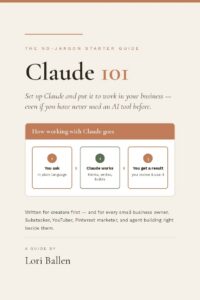
Claude 101
The beginner guide to using AI for real work, written for people who are not technical.
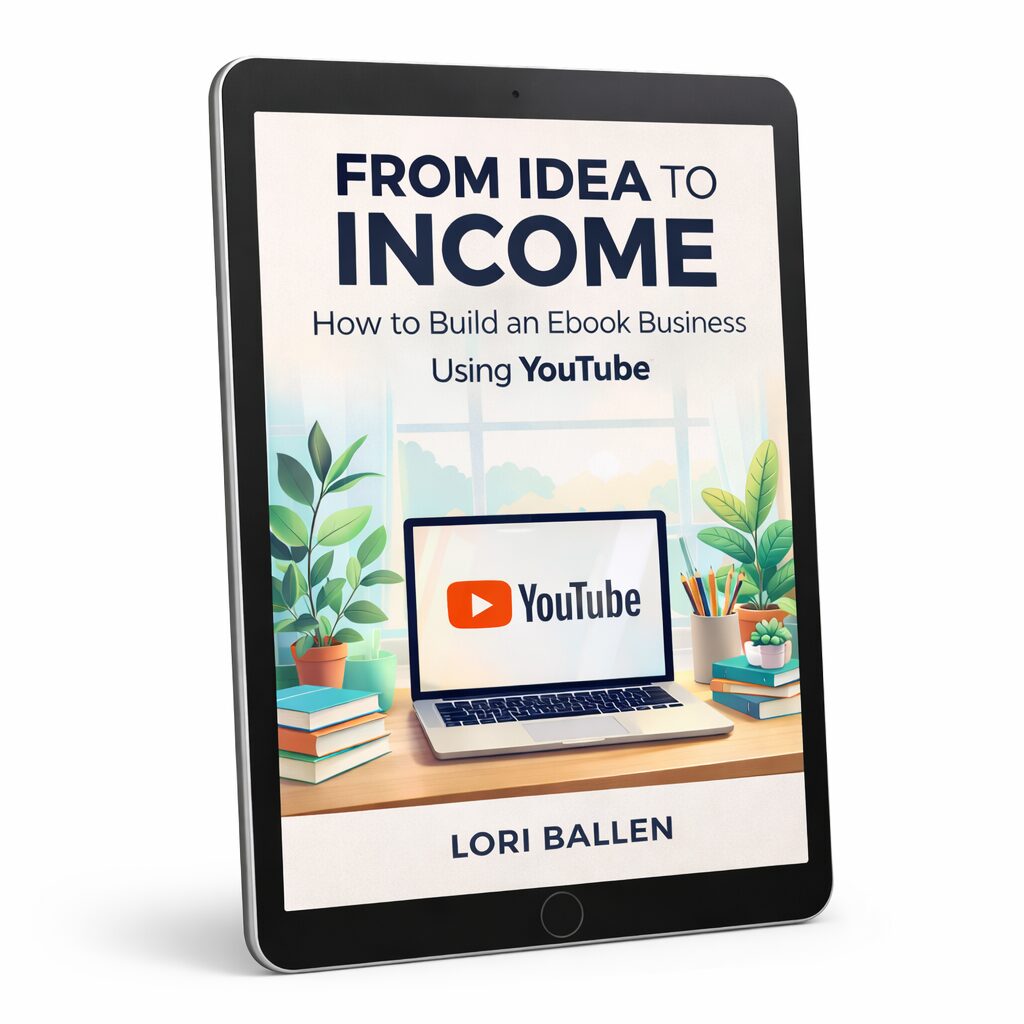
From Idea to Income
How to turn what these tools help you make into a product people actually buy.
Five mistakes with AI tools
- Signing up for all six in one week. You will learn none of them and cancel all of them. Pick the one that fixes your slowest step and give it a month.
- Paying before you have tested the free plan. Every tool here has a free tier or a no-card trial. There is no reason to pay to find out whether you like something.
- Buying a research tool and then not changing anything. PinClicks and Kalodata only pay off if you actually write differently because of what they told you.
- Treating AI output as finished. The draft is the starting point. What you add after is the part people can tell apart from everybody else.
- Never writing about the tools you use. If a tool has an affiliate program and it genuinely saves you hours, a post about how you use it earns twice.
Before you sign up for anything
Do I need all of these?
No, and you should not try. Most people need one image tool and one research tool. Everything else depends on which platform you are actually posting to.
Can I start without paying anything?
Yes. Ideogram, Opus Clip, Viral Vue and vidIQ all have free plans, and PinClicks and Kalodata both have free trials with no credit card. You can test this entire stack for nothing.
Which one pays the most as an affiliate?
The one your audience actually needs. A tool nobody in your niche uses earns nothing no matter how good the commission is. Recommend what you genuinely run and the numbers follow.
Do AI tools make money on their own?
No, and that is the honest answer. They make the work faster. The income still comes from what you publish and what you sell. A faster car does not drive itself anywhere.
What about Claude and ChatGPT?
I use Claude every day for drafting, outlining and organizing. It is genuinely part of my stack. There is no consumer affiliate program for it, so I am recommending it purely because I use it.
How do I turn a tools post into income?
Write how you actually use it, not a feature list. Include your affiliate link where the tool is doing real work in the workflow. Then make several pins for that one post and space them out over weeks.
“No tool makes money on its own. It just makes the thing that makes money happen faster.“— Lori Ballen
Get Letters from Lori
My weekly notes on building a one-person business after 50: what I’m building, what’s working, and what I’d do if I were starting over. Free, straight to your inbox.
Let’s build your stack together
In group coaching we look at what you are actually doing, find the step that is eating your week, and set up the one tool that fixes it. No signing up for six things you will never open.
Join group coaching →Pick one. Use the free plan. Give it a month.
Want it in your inbox instead? Get Letters from Lori, my field notes on building a business that earns for the long haul.
Hey there! Just a quick heads-up: some of the links on this site are affiliate links, meaning I may earn a small commission if you make a purchase (including through the Amazon Associates program), at no extra cost to you. Occasionally, products featured here are gifted by brands.
I also use AI tools to help research and create content for you! While I love sharing strategies to help you succeed, please remember that everyone's journey is unique—individual results vary, and there are no guarantees. Thanks so much for stopping by!