
This website contains affiliate links. Some products are gifted by the brand. As an Amazon Associate, I earn from qualifying purchases. The content on this website was created with the help of AI.
While I share money-making strategies, nothing is "typical", and outcomes are based on each individual. There are no guarantees.
Most creators build content for who they think is watching. They picture an audience in their head, make videos for that person, and never check whether that person is real. Then the views go sideways, the comments come from people they didn’t expect, and they can’t figure out the disconnect.
Here’s a thirty-second move that fixes it.
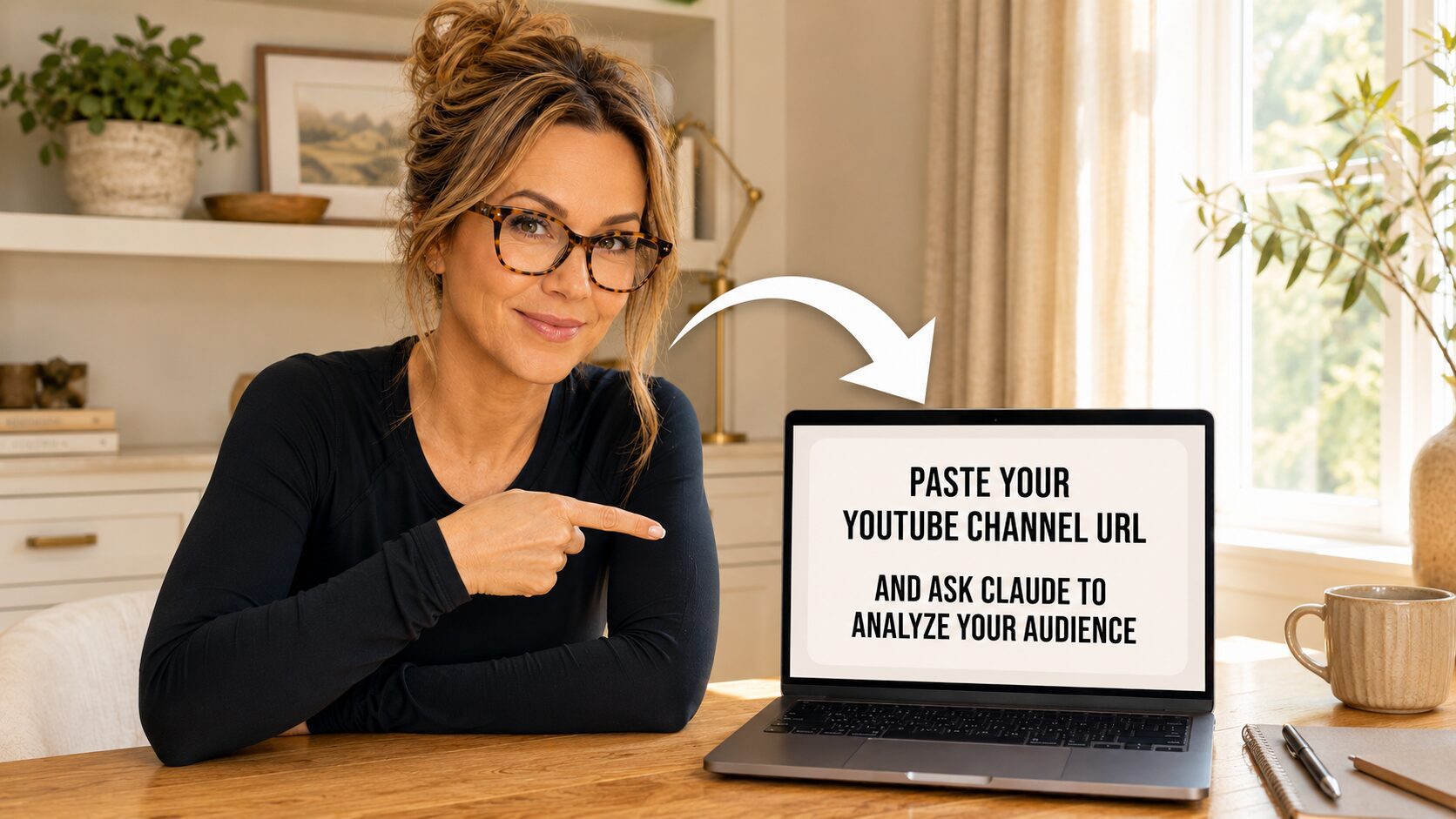
Claude can read your entire YouTube channel from the outside. Your titles, your topics, your most-viewed videos, the patterns across everything you’ve published. From that, it can tell you who it thinks is showing up, what they’re searching for, and what’s actually pulling them in. It turns your public catalog into an audience profile you can read, argue with, and reuse on every piece of content going forward.
You don’t need analytics access. You don’t need a spreadsheet. You paste a URL and ask a question.
How to do it
Open Claude. Paste your channel URL. Ask a direct question:
“Analyze the audience for this YouTube channel. Who is watching, what do they want, and what brings them in?”
Claude reads what’s public and gives you its read: who the audience is, what they want, and which topics are doing the heavy lifting on discovery.
The important part: correct what’s off
Claude is working from the outside. It can’t see your analytics dashboard, your age and gender breakdown, or your traffic sources. So some of what it gives back will be wrong.
That’s the point.
When Claude’s read doesn’t match what you know, tell it. “No, my viewers are mostly women over 50 looking for income ideas, not young side hustlers.” Now Claude has the real picture, and everything it builds next is sharper.
This back-and-forth is where the value is. You’re not looking for Claude to nail it on the first pass. You’re using it to surface a read, then correcting it until the profile actually matches reality.
What you do with it
Once the audience profile is locked in, you have a tool you can reuse:
- Run new title ideas against it.
- Test whether a topic fits the people who actually show up.
- Spot the gap between who you’re making content for and who’s really watching.
Most of my best-performing content came from realizing my audience was different from who I assumed. The fastest way to find that out is to let Claude take a guess and then tell it where it’s wrong.
Paste the URL. Ask the question. Correct what’s off. Then build from there.
New to Claude? Start here.
If you’re reading this and you haven’t really used Claude yet, this is exactly the kind of thing it’s built for, and it’s easier to start than you think. I wrote a no-jargon beginner’s guide that walks you through it from the very first click. No coding, no overwhelm, just what to type and what each tool does so you can put it to work the same day.
Get Claude 101 for Beginners here.
RelatedPosts
Discover more from Lori Ballen Digital Marketing
Subscribe to get the latest posts sent to your email.