
This page contains affiliate links. If you click through and sign up or buy, I may earn a commission at no extra cost to you. I only ever recommend tools I actually use.
None of these are exotic. Most of them have free plans.
Every app that runs a one-person business, sorted by what it actually handles. Plus the part nobody warns you about, which is that the cost is never the subscription.
The bill is not the expensive part
People ask what my stack costs. It is the wrong question. Most of these have free tiers that carry you a long way, and the paid ones are a rounding error against what the business earns.
What actually costs you is learning each one and wiring them to each other. A tool sitting unlearned in a browser tab is worse than not having it, because you paid for it and you feel behind.
So add them in order, one at a time, and only when the business is asking for it. The one I would not run without is the scheduler, because it is the only tool here that keeps working on a day I do not.
See the scheduler I use →Affiliate link. I pay for my own plan every month. If I had stopped using it, it would not be on this page.
The seven that earn their place
Some of the links below are affiliate links. If you sign up or buy through them I may earn a commission at no extra cost to you. I only ever share tools I actually use.
WP Engine
Where the blog lives. Managed hosting so I am never the person debugging a server at eleven at night.
Lasso
Affiliate link management. When a program changes its link structure, and they do, I update it once and every post updates with it.
Pinclicks
The only place I can see real Pinterest search volume. Every pin starts here, before I make anything.
Tailwind
Pinterest scheduling. I batch in one sitting and it distributes for weeks. This is the tool that works on days I do not.
Ideogram
Original background imagery from a text prompt. Original beats stock in Pinterest search because everyone else is using the same photo library.
Kit
Email. This is where the list lives and where the welcome sequence runs. Free to start, and the automation builder is visual.
Fourthwall
The ebook storefront. Payment, delivery and tax handled. Somebody buys, they get it, I never touch the transaction.
Canva does my pin and ebook design and there is no affiliate link for it, so this is just a recommendation. The Pro brand kit is the part worth paying for.
What to add next, based on where you actually are
Adding tools out of order is the most common way people spend money and get slower. Pick your stage.
Four things the stack taught me
The order I would build it in again
My thirty-minute weekly review
Same four screens, same order, every week. Thirty minutes and I know exactly where the next week goes.
1. SEARCH CONSOLE          5 min
   Which queries are rising. Which post is close to page one.
   Action: one post gets updated this week.

2. PIN ANALYTICS           10 min
   Which pins drove clicks, not impressions. Which board is working.
   Action: build more variations of the winner. Kill the format that flopped.

3. EMAIL                   5 min
   Open and click rates on the welcome sequence, by email.
   Action: rewrite the weakest subject line. One only.

4. AFFILIATE DASHBOARDS    10 min
   Clicks versus conversions, by program.
   Action: the post driving the most clicks gets the next rebuild.

Rule: every screen produces one action. If it produces none, skip it next week.
“The tools do not build the business. They just stop it from needing me every day.”— Lori Ballen
Before you go subscribe to anything
How much does the whole stack cost?
Less than people expect, and it is the wrong thing to worry about. Several of these are free until you have real traffic or a real list. Start on free tiers and let the business tell you when to upgrade. Paying early does not make you further along.
Which one would you add first?
Hosting, then email, then keyword research. Hosting because everything points at it, email because it is the only asset you cannot go back and build retroactively, and keyword research because it stops you making things nobody is looking for.
Do I need a scheduler if I only post a few pins a week?
Not yet. It earns its place the moment you want more distribution than you have patience for on a given day. That happens sooner than most people expect, usually the first time a batch takes a whole afternoon.
Do I need expensive video software?
No. My content is conversational, so what matters is audio and light, not editing. A decent microphone and a window beat expensive software for this kind of channel every time.
Why do you use a link manager instead of pasting links?
Because affiliate programs change their link structures more often than you would believe. With a manager I change it once centrally and every instance across the site updates. Without one it is hours of editing individual posts.
Get Letters from Lori
My weekly notes on building a one-person business after 50: what I’m building, what’s working, and what I’d do if I were starting over. Free, straight to your inbox.
You’re in. Check your inbox for your first letter.The full stack, with every link and plan
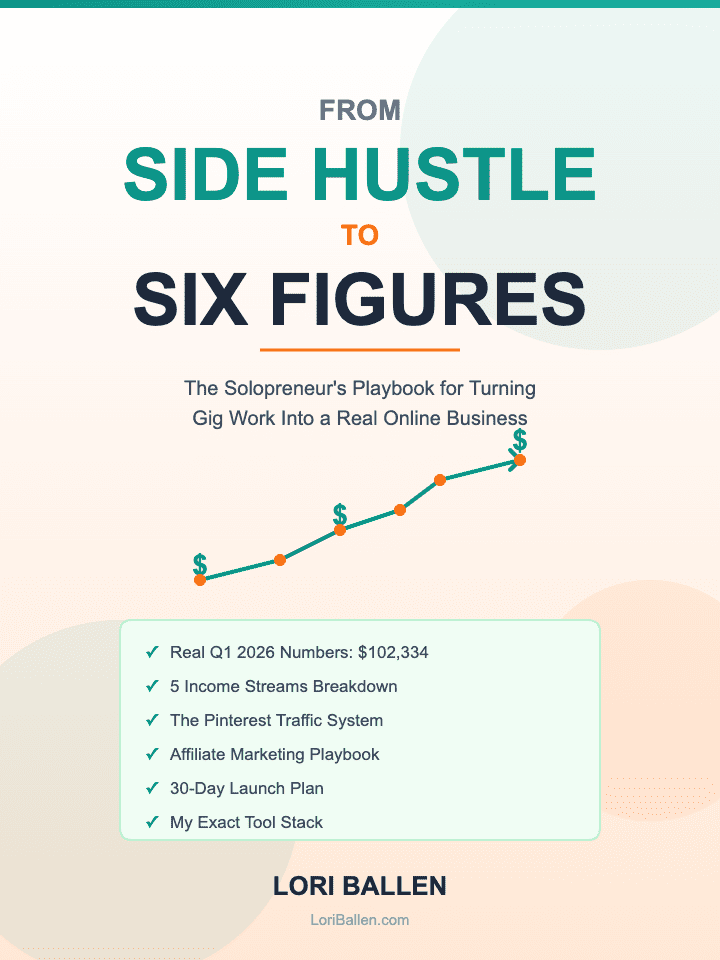
Side Hustle to Six Figures
The solopreneur playbook. Every tool above with the plan I use, and how they connect into one weekly workflow.
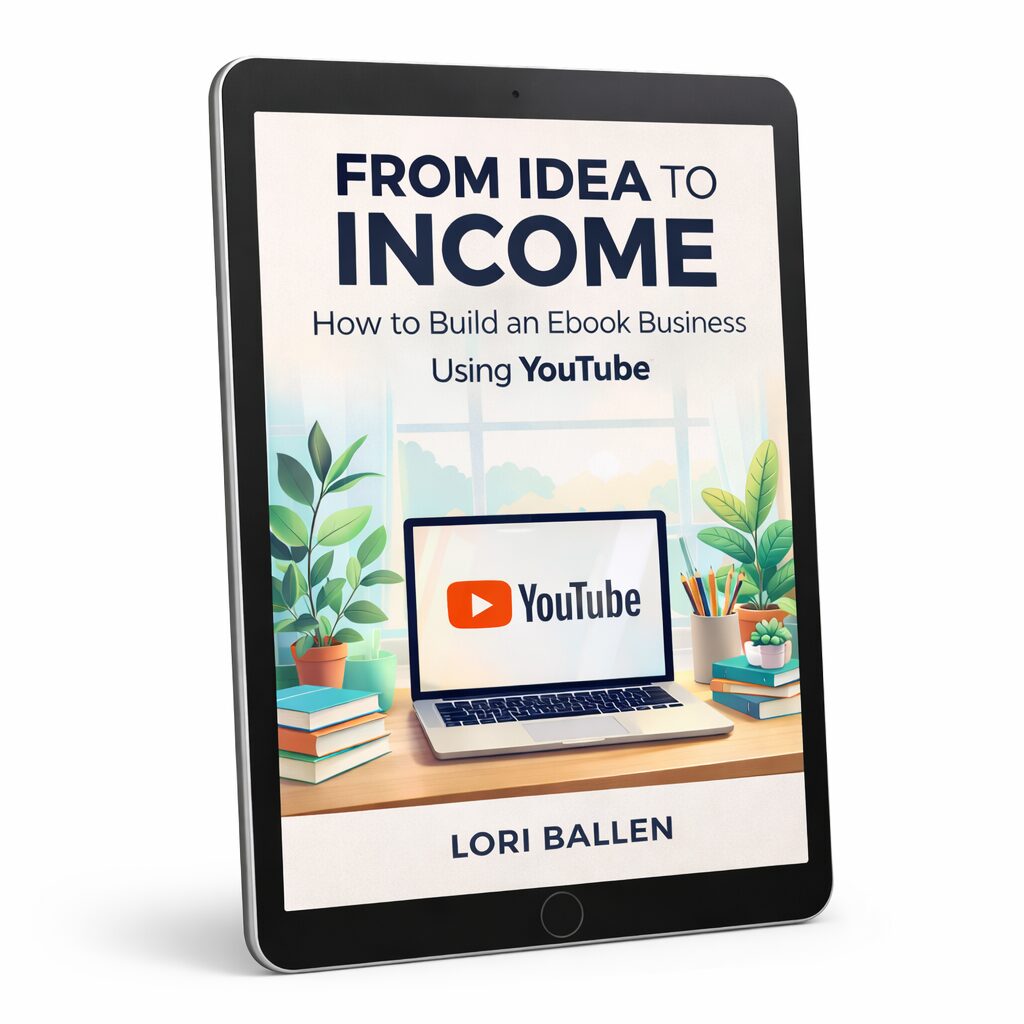
From Idea to Income
Build once, sell forever. The ebook side of this stack, from first outline to a storefront that delivers without you.
Add one tool. Learn it properly. Then add the next one.
Not ready to buy? Get Letters from Lori, my weekly field notes.
Hey there! Just a quick heads-up: some of the links on this site are affiliate links, meaning I may earn a small commission if you make a purchase (including through the Amazon Associates program), at no extra cost to you. Occasionally, products featured here are gifted by brands.
I also use AI tools to help research and create content for you! While I love sharing strategies to help you succeed, please remember that everyone's journey is unique—individual results vary, and there are no guarantees. Thanks so much for stopping by!


