

This website contains affiliate links. Some products are gifted by the brand. As an Amazon Associate, I earn from qualifying purchases. The content on this website was created with the help of AI.
While I share money-making strategies, nothing is "typical", and outcomes are based on each individual. There are no guarantees.
In the world of digital marketing, knowing your audience and how your content performs is key. Pinterest Analytics helps with this. It gives businesses and marketers valuable insights to improve their Pinterest strategy. This leads to more engagement and reaching marketing goals.
This article will show why Pinterest Analytics is important. It will also guide you on how to use these analytics to boost your Pinterest presence.
If you haven’t already looked at, Pinclicks is a cool tool for tracking your ranking pins, exploring keywords, and monitoring the competition!
Key Takeaways
- Pinterest Analytics offer valuable insights into your audience and content performance.
- Understanding your Pinterest audience can help you create more targeted and engaging content.
- Tracking content performance allows you to identify top-performing pins and optimize your strategy.
- Leveraging Pinterest Analytics can help you measure the success of your marketing campaigns.
- Integrating Pinterest Analytics into your overall marketing strategy is crucial for driving growth and achieving your goals.
The Power of Pinterest Analytics
Pinterest Analytics gives marketers a deep look into their audience and content performance. It helps understand followers’ demographics, interests, and behaviors. This info lets you make content that really speaks to your audience.
It also lets you see which content does well on Pinterest. This helps you improve your strategy and make better decisions for your Pinterest presence.
Understanding Audience Insights
Pinterest Analytics offers a lot of info about your followers. This includes:
- Demographic data like age, gender, and location
- Interests and hobbies
- How they engage, like what devices they use and when
Using these Pinterest analytics metrics, you can make content that really connects with your audience. This leads to a data-driven Pinterest strategy that gets real results.
Tracking Content Performance
Pinterest Analytics also shows how your content is doing. It helps you find out which pins, boards, and campaigns are hits. Key things to watch include:
- Impressions: How many times your content is seen
- Engagements: How many times users interact with your content
- Saves: How many times users save your pins
- Website clicks: How many times users click through to your site
By looking at these Pinterest content performance metrics, you can fine-tune your strategy. You can spot what works and use your resources better.
Setting Up Pinterest Analytics
To get the most out of Pinterest analytics, you need a Pinterest business account. Make sure it’s linked to analytics tools. This means verifying your website, claiming your Pinterest profile, and turning on analytics. With Pinterest analytics, you get a detailed dashboard. It offers lots of data and insights for better Pinterest marketing.
Here’s how to set up Pinterest analytics:
- Create a Pinterest business account or switch your personal account to a business one.
- Add the Pinterest verification code to your website’s HTML. This links your profile to your site.
- Claim your Pinterest profile in the “Settings” section by clicking “Claim”. This shows Pinterest it’s your official profile.
- Turn on Pinterest analytics in the “Settings” section.
After these steps, you can see the Pinterest analytics dashboard. It has lots of insights, like:
- Audience demographics: Know who follows you, their interests, and where they are.
- Content performance: See which Pins get the most engagement and views.
- Referral traffic: Track how much traffic your site gets from Pinterest.
- Conversion data: Check how Pinterest affects your business goals, like sales or leads.
Use Pinterest analytics insights to improve your Pinterest marketing. This way, you can get better results for your business.

Exploring Pinterest Analytics Overview
The Pinterest Analytics dashboard gives you a detailed look at how your account is doing. It shows you who your audience is and how they interact with your content. To get the most out of these analytics, you need to know which metrics are important for your business.
Key Metrics to Monitor
When you check out the Pinterest Analytics dashboard, you’ll see some important numbers. These numbers help you understand and improve your marketing. Here are the key ones:
- Impressions: How many times your pins have been seen by users on Pinterest.
- Reach: The number of unique people who have seen your pins.
- Engaged Audiences: How many users have interacted with your content, like saving or commenting.
- Saves: How many times your pins have been saved to users’ boards.
- Clicks: How many times your pins have been clicked, leading to your website or other content.
- Website Traffic: The traffic your website gets from your Pinterest activity.
By checking these metrics often, you can see how well your Pinterest is doing. This helps you make smart choices to improve your content and reach more people.
| Metric | Description | Importance |
|---|---|---|
| Impressions | The number of times your pins have been seen by users on Pinterest. | Measures the overall visibility and reach of your content. |
| Reach | The unique number of people who have seen your pins. | Provides insights into the size and growth of your audience. |
| Engaged Audiences | The number of users who have interacted with your content, such as by saving, clicking, or commenting. | Indicates the level of engagement and interest in your pins. |
| Saves | The number of times your pins have been saved to users’ boards. | Reflects the perceived value and relevance of your content. |
| Clicks | The number of times your pins have been clicked, leading to your website or other online content. | Measures the effectiveness of your pins in driving traffic to your desired destinations. |
| Website Traffic | The amount of traffic driven to your website from your Pinterest activity. | Indicates the ROI of your Pinterest marketing efforts. |
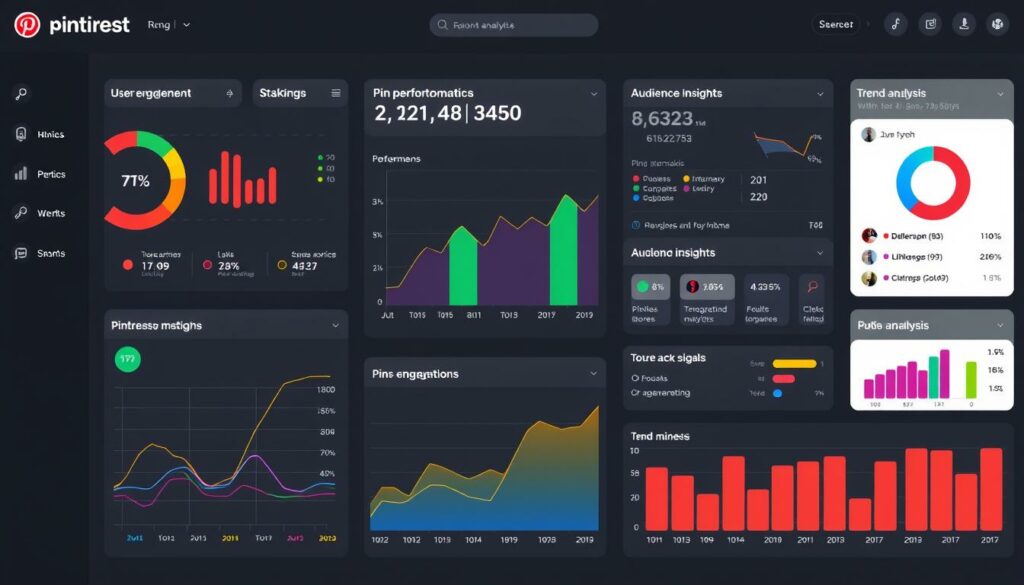
“Understanding and analyzing these key metrics is essential for leveraging the full potential of Pinterest Analytics to optimize your content and marketing strategies.”
Analyzing Audience Demographics
One of the most powerful features of Pinterest Analytics is understanding your audience. It shows you the age, gender, location, and interests of your followers. This helps you make content that your audience will love, leading to more engagement and better results.
Knowing your Pinterest audience demographics is key to making great customer personas. It helps you tailor your Pinterest strategy to meet your target audience‘s needs. This way, you can create content that speaks directly to your followers, boosting your campaign’s success.
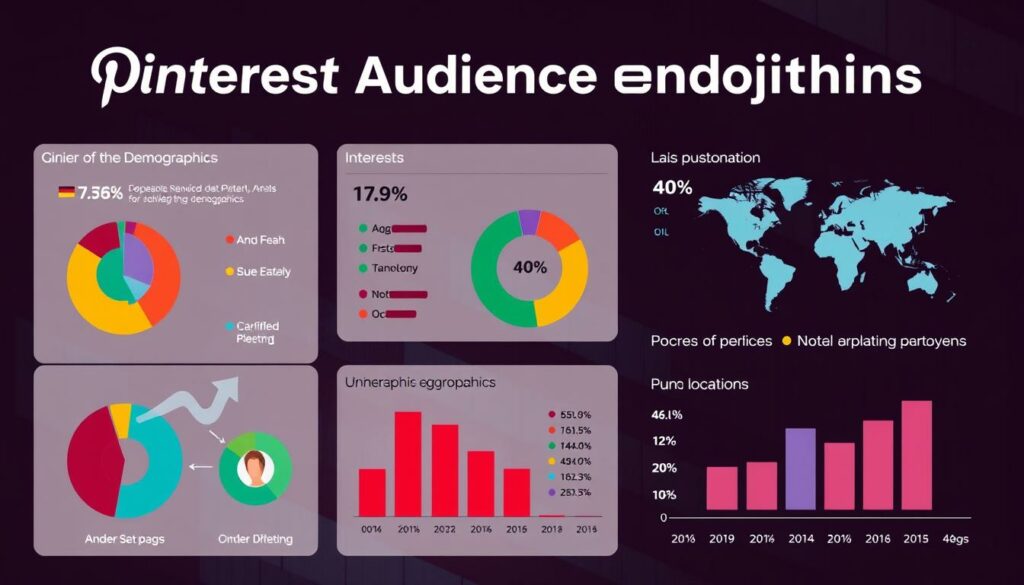
“Utilizing audience insights from Pinterest Analytics is key to creating content that truly resonates with your target market.”
With Pinterest Analytics, you can dive deep into Pinterest user insights. This gives you valuable data to shape your content strategy. Knowing what your audience likes and does helps you make better choices. You can then create experiences that meet their needs.
Pinterest Analytics
Pinterest’s analytics features offer a wealth of data insights. They help you optimize your content strategy and drive better engagement. You get a complete overview of your Pinterest presence and performance.
The Pinterest analytics features let you dive deep into key metrics. You can see impressions, clicks, saves, and engagement rates. The data visualizations and reporting make it easy to spot trends and analyze your content’s performance.
Leveraging the Pinterest data insights helps you understand your audience better. You learn about their demographics, interests, and behavior. This info is key for creating content that resonates with your target users.
The Pinterest analytics tools make it easy to track and measure campaign success. Whether it’s organic or promoted pins, you can monitor key metrics. This helps you make data-driven decisions and optimize your efforts.
By using Pinterest data visualization, you can uncover visual trends. You can see which content performs best and how your audience interacts with your pins. This insight helps you refine your content creation and promotion strategies.
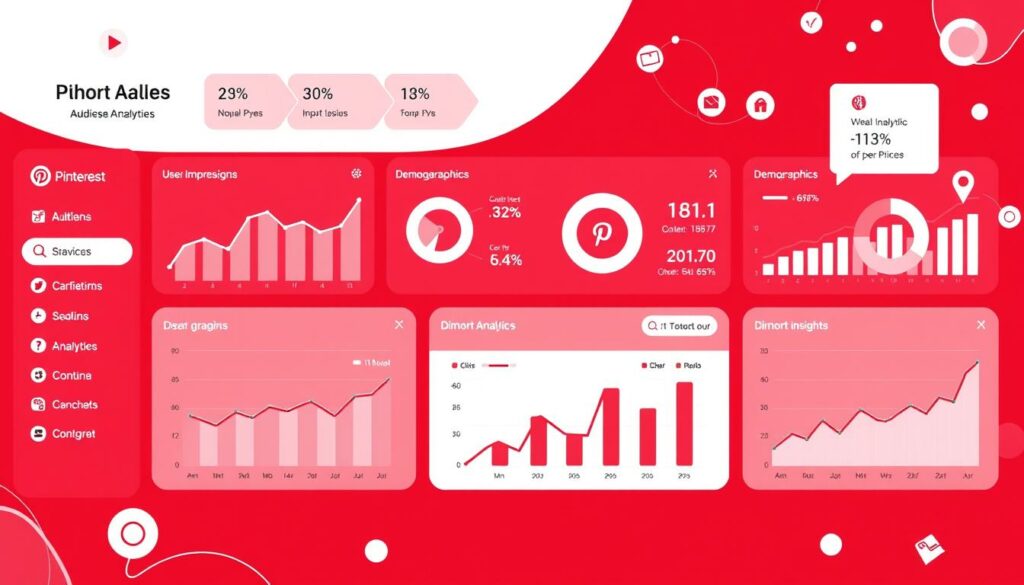
“Leveraging Pinterest analytics is key to understanding your audience and creating content that resonates with them. The data-driven insights can unlock new opportunities for growth and engagement on the platform.”
Optimizing Content with Analytics
In the fast-paced world of social media, Pinterest content optimization is key for success. Pinterest Analytics gives businesses valuable insights. This helps them create better content and engage more with their audience.
Identifying Top-Performing Pins
Pinterest Analytics helps find your best pins. This data-driven method shows what content works best. By looking at your pins’ performance, you can spot trends and improve your content.
Knowing your top pins lets you make more like them. This ensures your content is engaging and effective. It helps your business grow and succeed.
| Metric | Description | Importance |
|---|---|---|
| Impressions | The number of times your pins have been seen | Indicates the reach and visibility of your content |
| Engagements | The number of interactions (likes, comments, saves) your pins have received | Measures the level of engagement and interest your content is generating |
| Click-through Rate (CTR) | The percentage of people who clicked on your pins after seeing them | Reveals the effectiveness of your pin titles, descriptions, and visuals in driving traffic |
By watching these metrics, you learn a lot about your Pinterest content. This knowledge helps you make smart choices to boost your success.
“Leveraging the power of Pinterest Analytics is essential for any brand or business looking to maximize the impact of their content and drive tangible results.”
Measuring Campaign Success
Pinterest Analytics is key for checking how well your Pinterest campaigns do, especially with Promoted Pins. You can track impressions, clicks, saves, and website traffic to see if your ads are working. This helps you understand your return on investment and make your campaigns better.
Tracking Promoted Pin Performance
To see how well your Pinterest campaign analytics and promoted pins performance are, look at these Pinterest advertising metrics:
- Impressions: The number of times your Promoted Pin was shown to users.
- Clicks: The number of users who clicked on your Promoted Pin.
- Engagement Rate: The percentage of users who engaged with your Promoted Pin (e.g., saved, commented, or clicked).
- Website Visits: The number of users who clicked on your Promoted Pin and visited your website.
- Conversion Rate: The percentage of website visitors who completed a desired action, such as making a purchase or signing up for a newsletter.
By watching these metrics closely, you can optimize your campaign and boost your return on investment.
| Metric | Description | Relevance |
|---|---|---|
| Impressions | The number of times your Promoted Pin was shown to users. | Indicates the reach and visibility of your Promoted Pin. |
| Clicks | The number of users who clicked on your Promoted Pin. | Measures the engagement and interest generated by your Promoted Pin. |
| Engagement Rate | The percentage of users who engaged with your Promoted Pin (e.g., saved, commented, or clicked). | Provides insights into the overall effectiveness of your Promoted Pin in capturing user attention. |
| Website Visits | The number of users who clicked on your Promoted Pin and visited your website. | Helps assess the ability of your Promoted Pin to drive targeted traffic to your website. |
| Conversion Rate | The percentage of website visitors who completed a desired action, such as making a purchase or signing up for a newsletter. | Measures the effectiveness of your Promoted Pin in driving valuable actions on your website. |
By keeping an eye on these Pinterest advertising metrics, you can make smart choices to optimize your campaign and increase your return on investment.
Leveraging Pinterest Trends
Pinterest Analytics gives you insights into the latest trends and popular content. By analyzing these trends, businesses can find new opportunities. They can create timely pins, optimize existing content, and understand pinning behavior and the Pinterest algorithm.
Being ahead of Pinterest trend analysis can give your brand an edge. Here are ways to use Pinterest trends for your content:
- Watch popular search terms and hashtags: See what’s trending on Pinterest to find topics your audience likes.
- Find viral content: Look at pins that got a lot of attention to see what kind of content people love.
- Update your content calendar: Make sure your pins match the latest trends on Pinterest.
- Refresh your best pins: Update your top pins to keep them relevant and engaging with current trends.
By keeping up with Pinterest trend analysis and adjusting your content optimization strategies, you can make your pins more visible. This can lead to more traffic and potential sales for your business.
“Harnessing the power of Pinterest trends can unlock new opportunities for your brand to connect with your target audience and drive meaningful results.”
Integrating Analytics into Your Strategy
To get the most out of Pinterest Analytics, you need to blend these insights into your data-driven Pinterest strategy. By checking and analyzing the data often, you can make smart choices about what to post, who to target, and how to plan your campaigns. This way, you can keep improving and reach your marketing goals, boosting your marketing ROI.
First, know what you want to achieve with your Pinterest marketing. Match your goals with the metrics and insights from Pinterest’s analytics tools. This way, your decisions will help you meet your goals, like getting more traffic, engagement, or sales.
- Check your Pinterest Analytics dashboard often to spot trends, see how your content does, and understand your audience.
- Use what you learn about your audience to make your content more relevant and target your marketing better.
- Find out which Pins work best and use those strategies to get even better results.
- Keep trying new things with your content and campaigns based on what Pinterest Analytics tells you.
By using data-driven decision making in your Pinterest marketing, you’ll make better choices and improve your efforts. This analytics-based approach is how you unlock Pinterest’s full potential and increase your marketing ROI.
“The key to success on Pinterest is to continuously analyze your data and use those insights to inform and improve your strategy.”
Conclusion
Pinterest Analytics is a powerful tool for marketers. It gives valuable insights to improve Pinterest performance and drive business results. By understanding your audience and analyzing content, you can make better decisions.
This helps optimize your Pinterest strategy and achieve your marketing objectives. Using Pinterest Analytics is key to growing your business in the long run.
The insights from Pinterest Analytics help in creating a data-driven marketing approach. You can fine-tune your social media strategy and create content that connects with your audience. This leads to more engagement, website traffic, and business growth.
Remember, Pinterest Analytics is not just about numbers. It’s about using data to make smart decisions that move your business forward. Stay flexible and adapt to new Pinterest trends to lead in your industry.
Let the insights guide your strategic decisions. This unlocks Pinterest’s full potential for your business.